
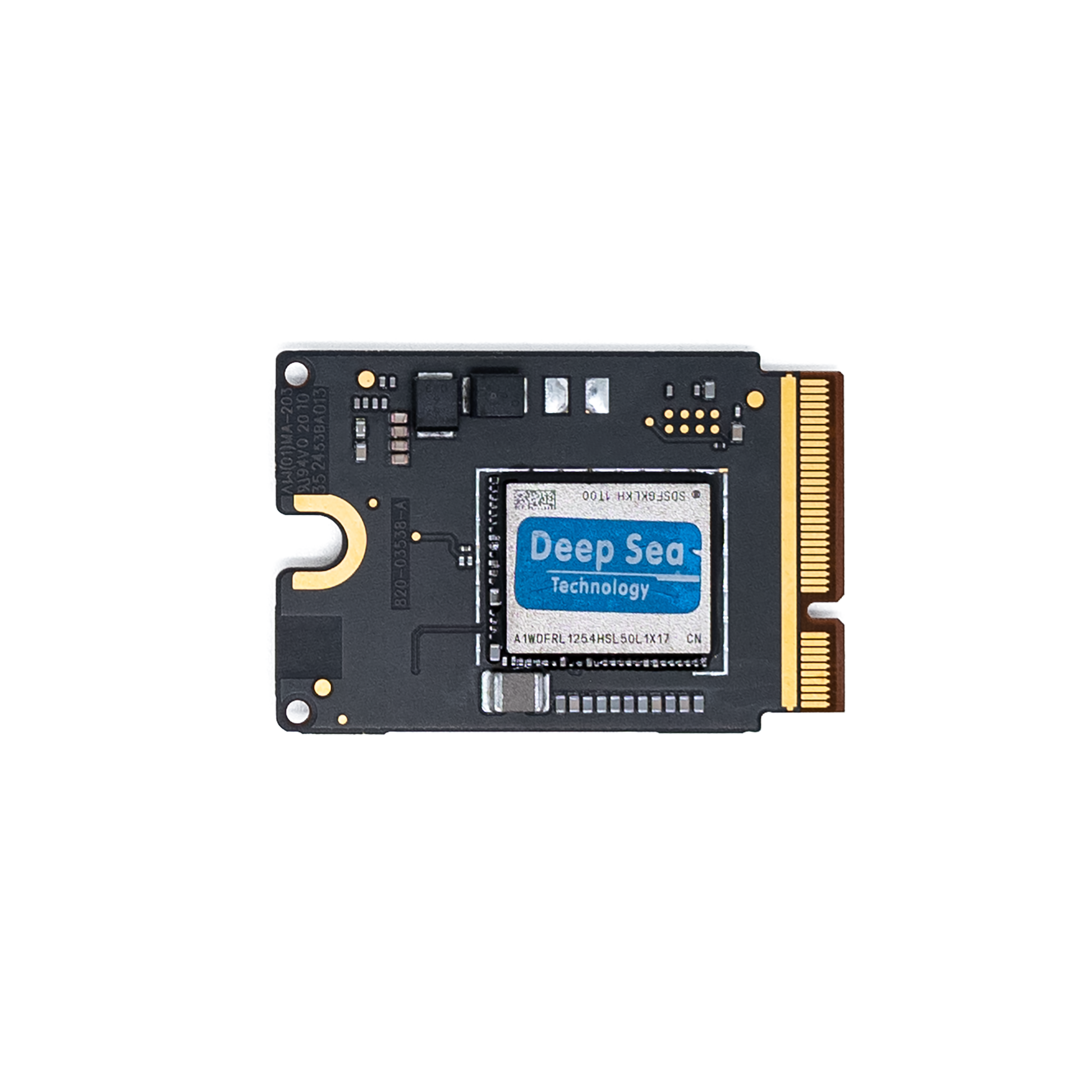
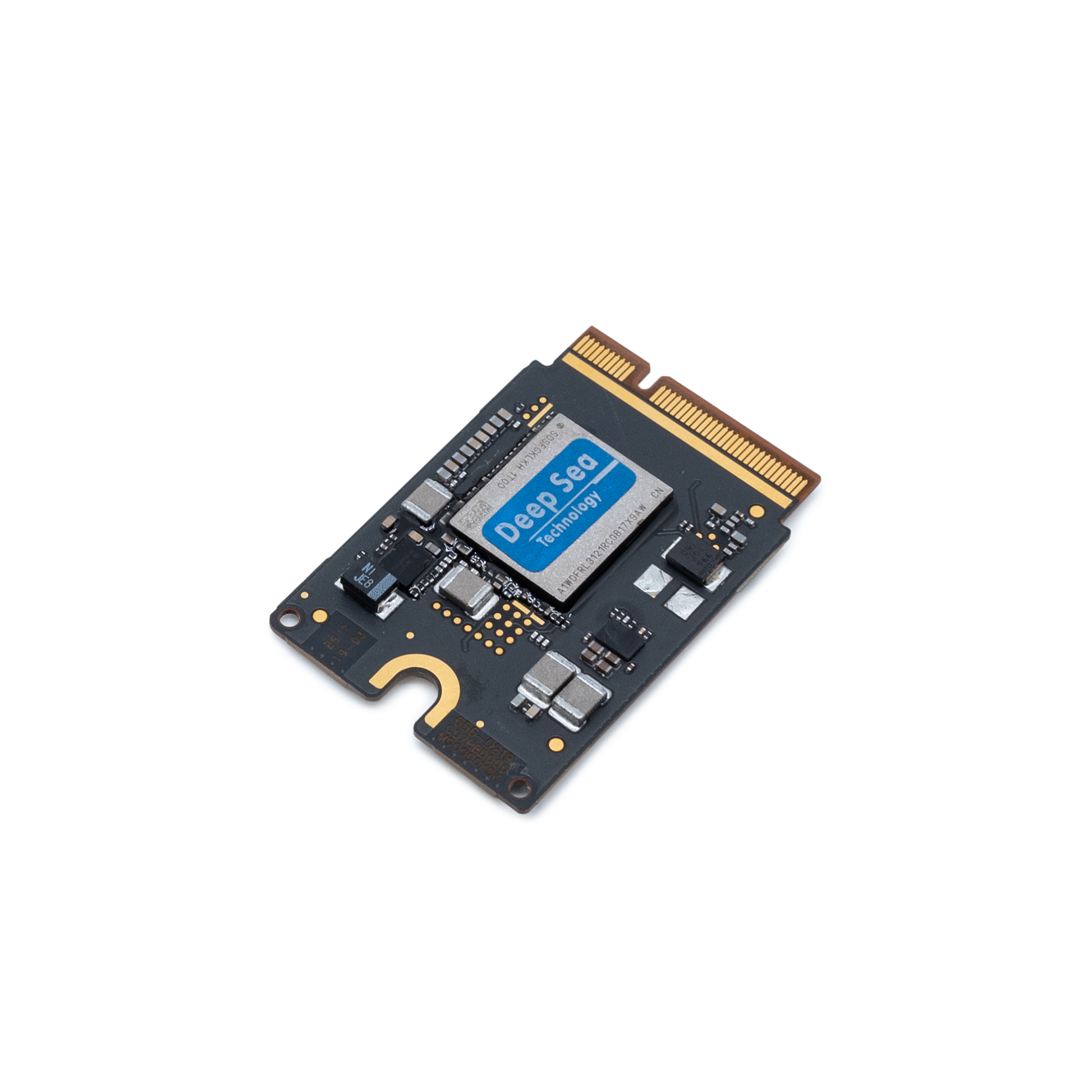
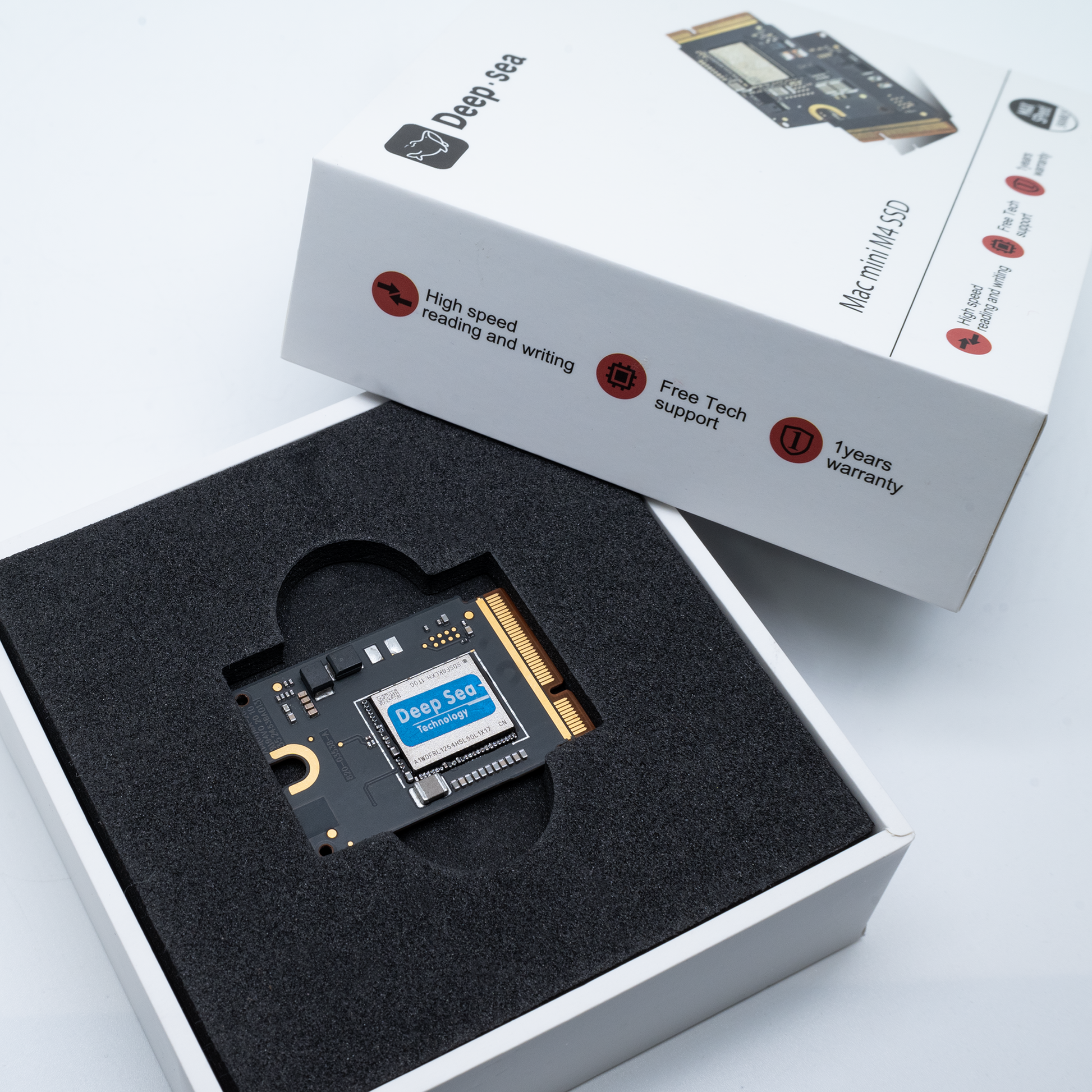
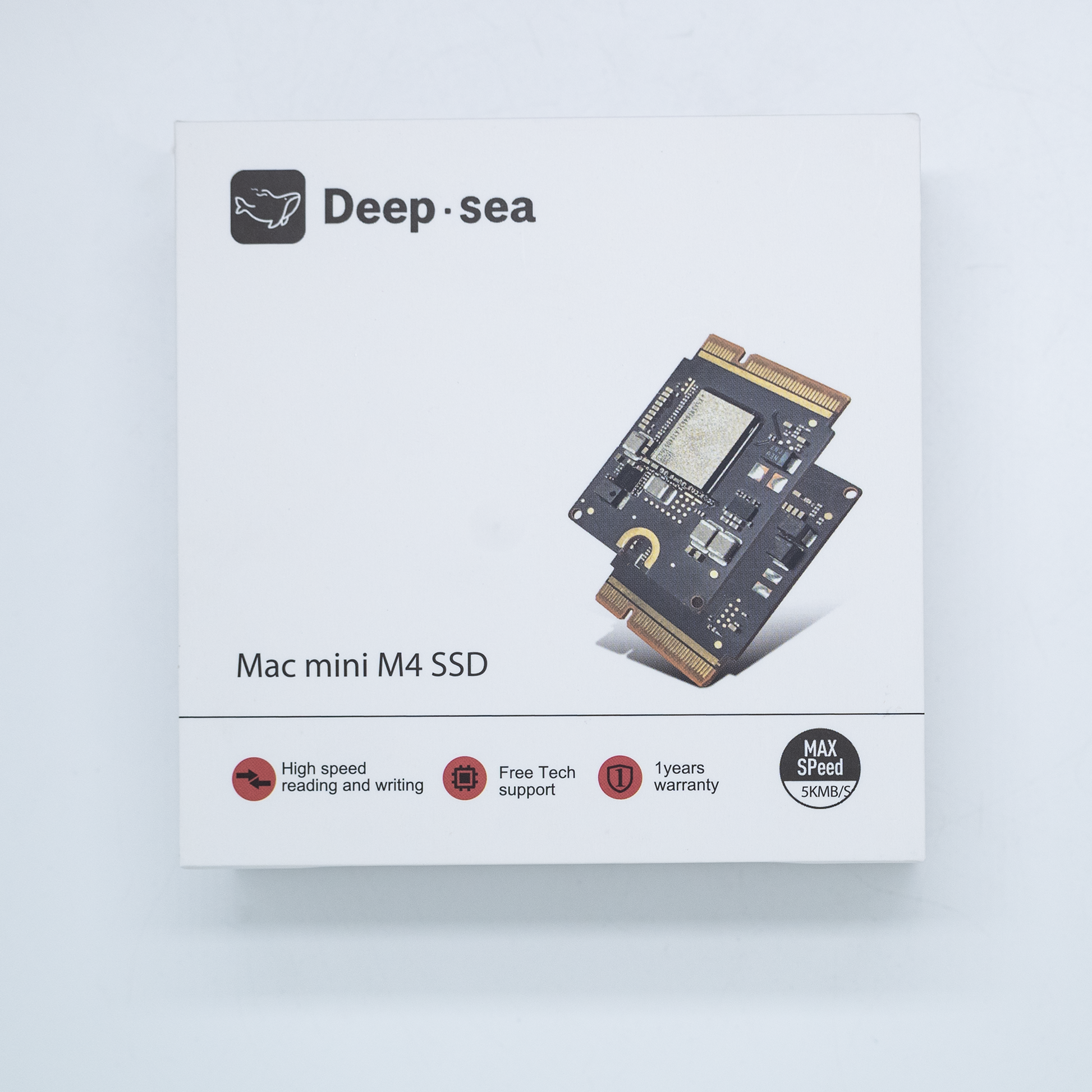
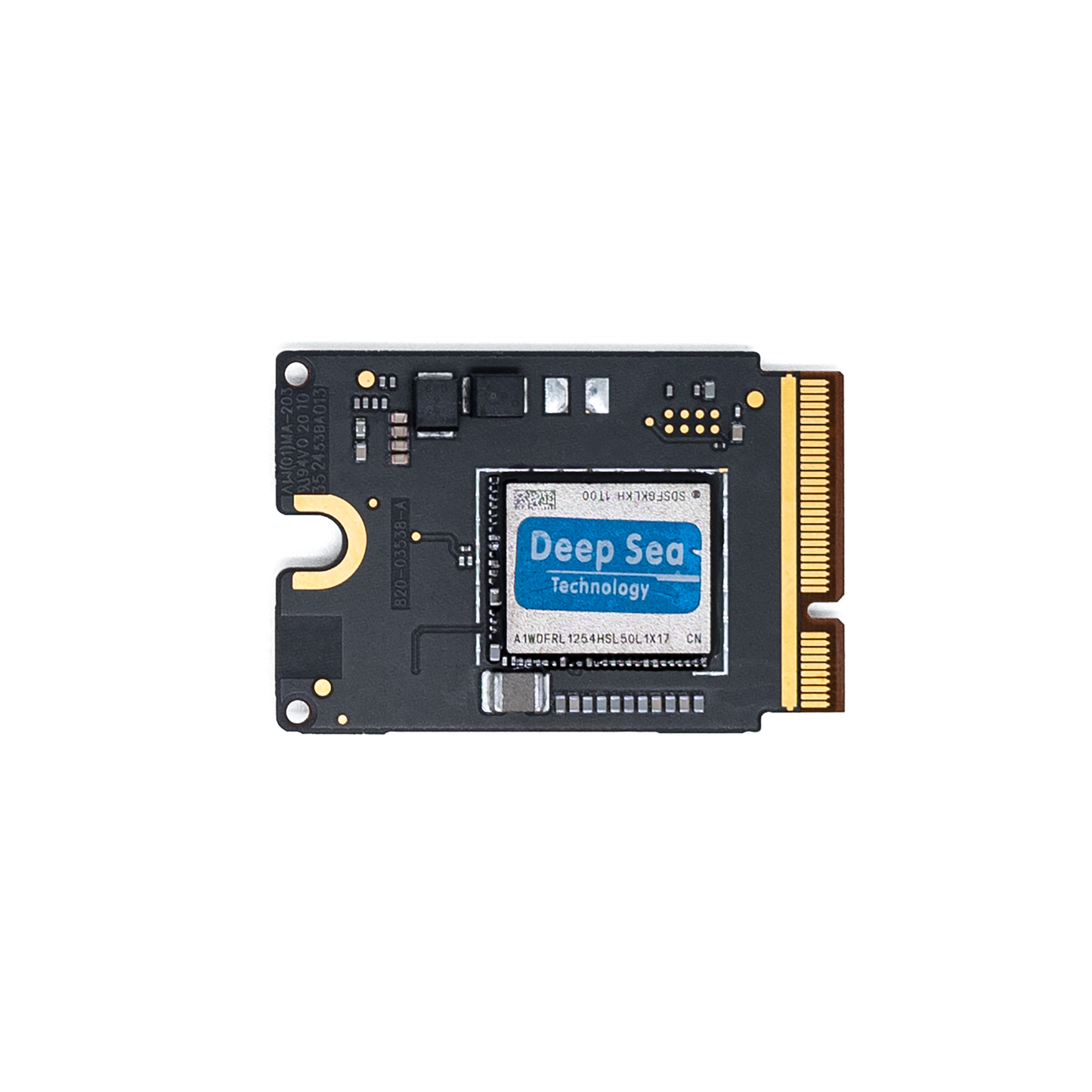
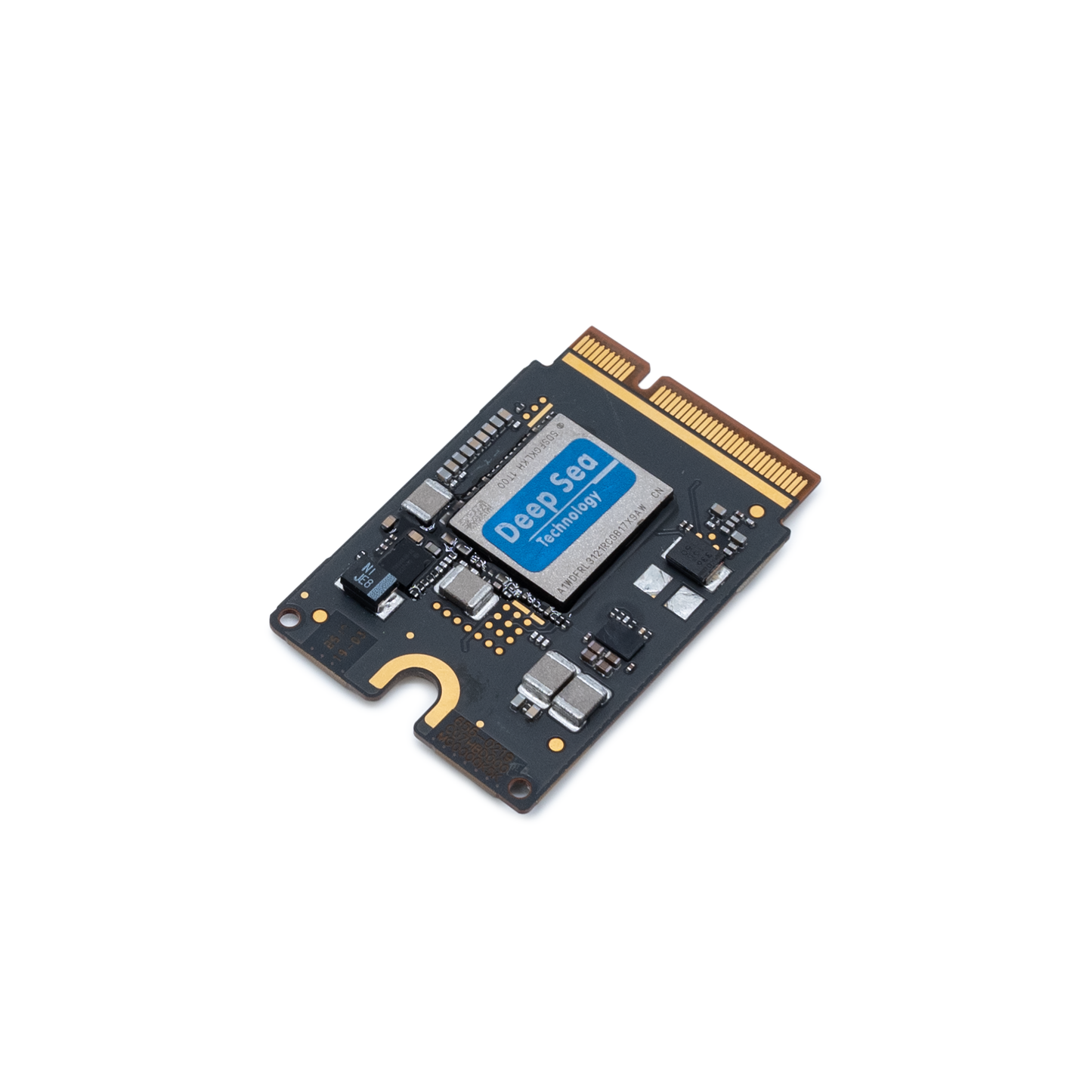
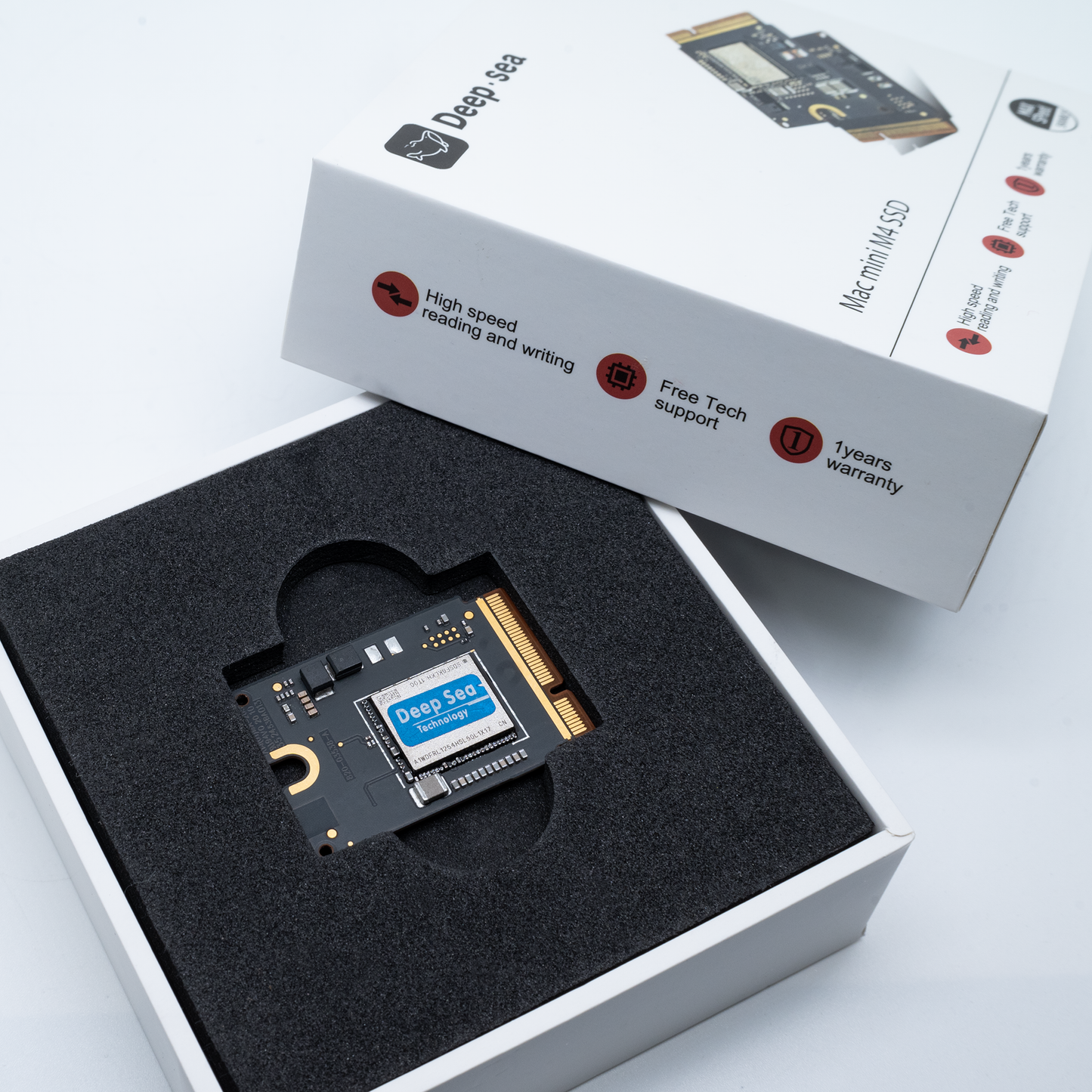
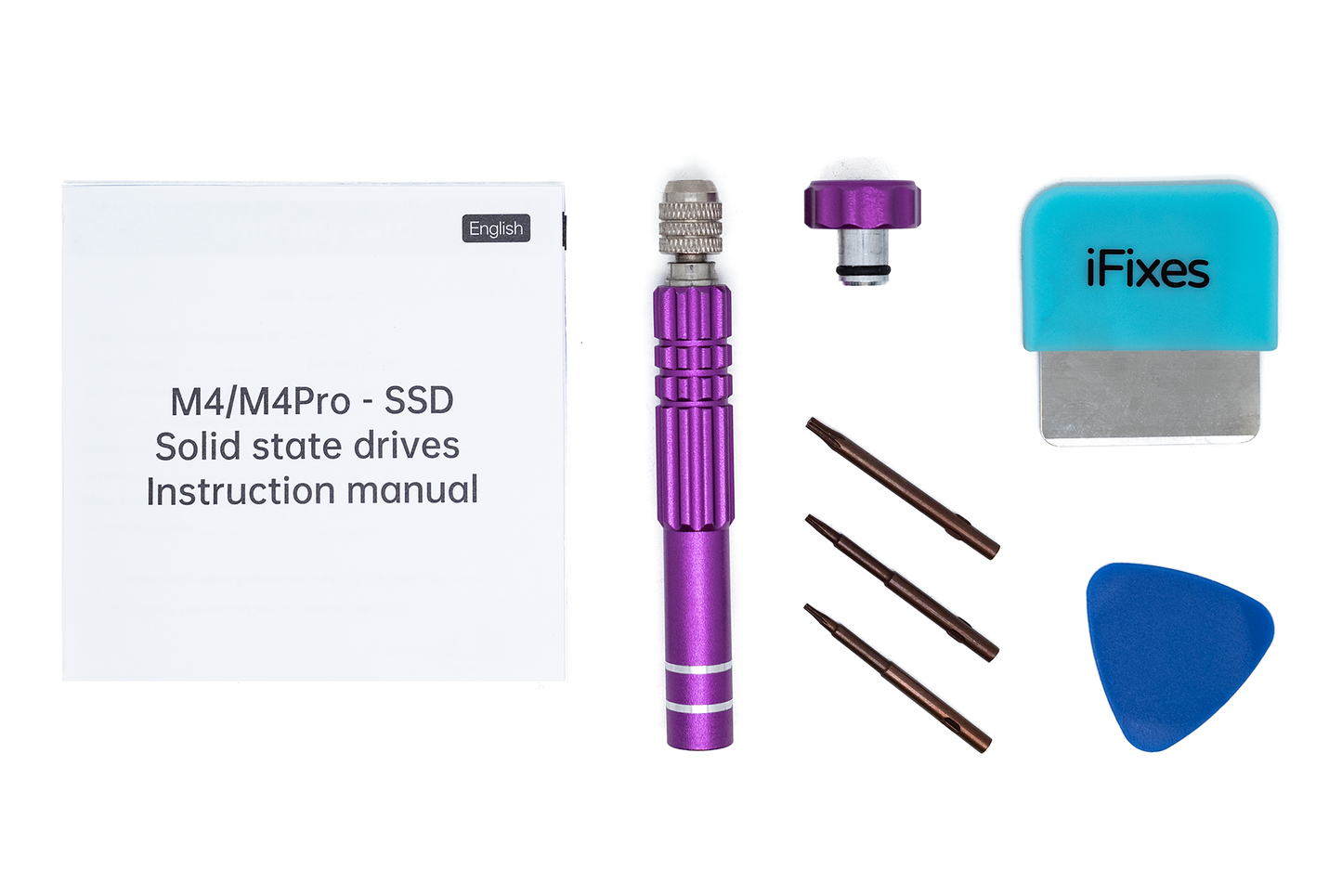
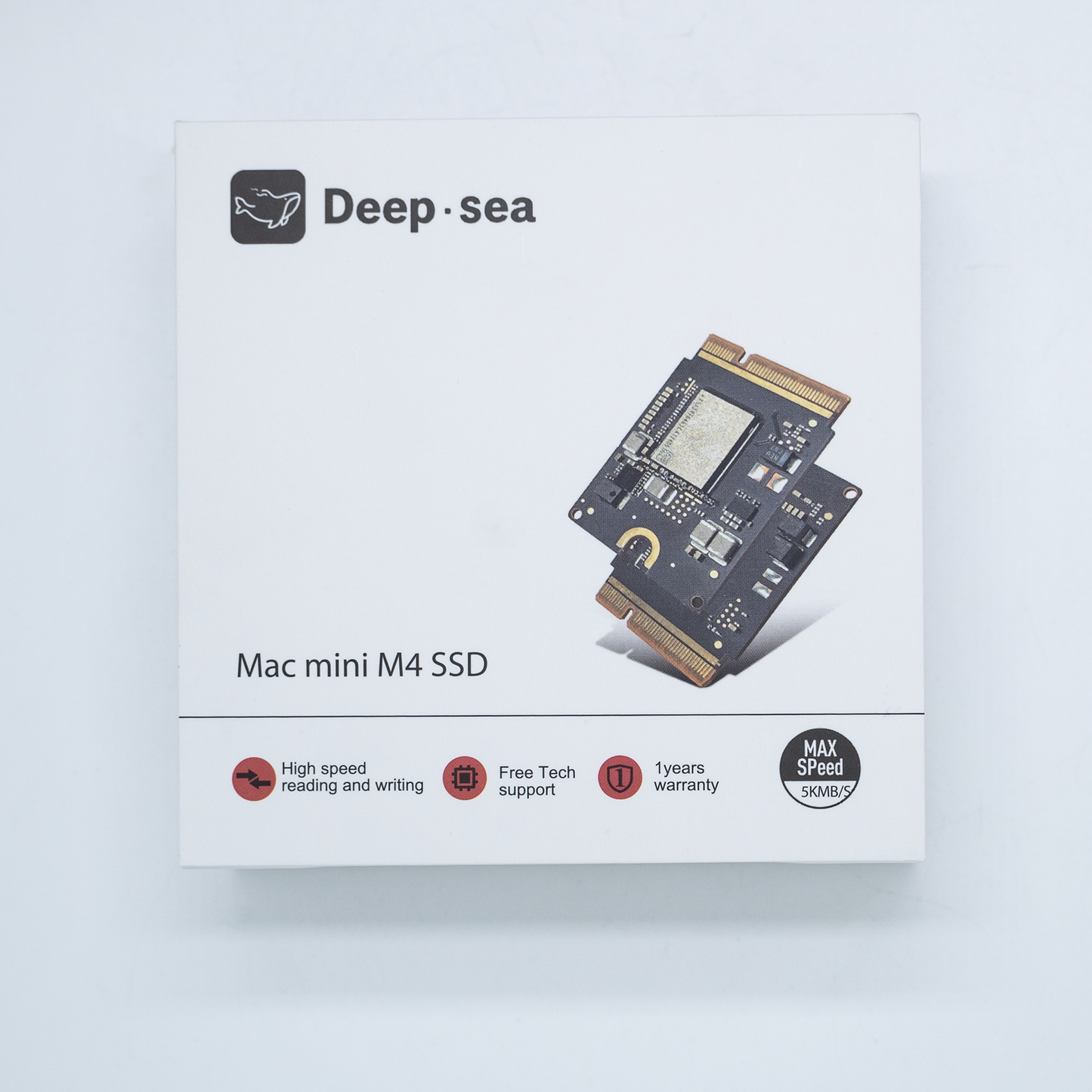
Received a defective 2TB SSD that is not recognized by the Mac Mini M4 at all. The original Apple SSD works perfectly in the same slot under identical conditions. I contacted support on March 7th and again on March 10th — no response in nearly two weeks.
UPDATE: I got a replacement and now everything works fine! Thanks for the support - for next time a faster reaction time will be appreciated
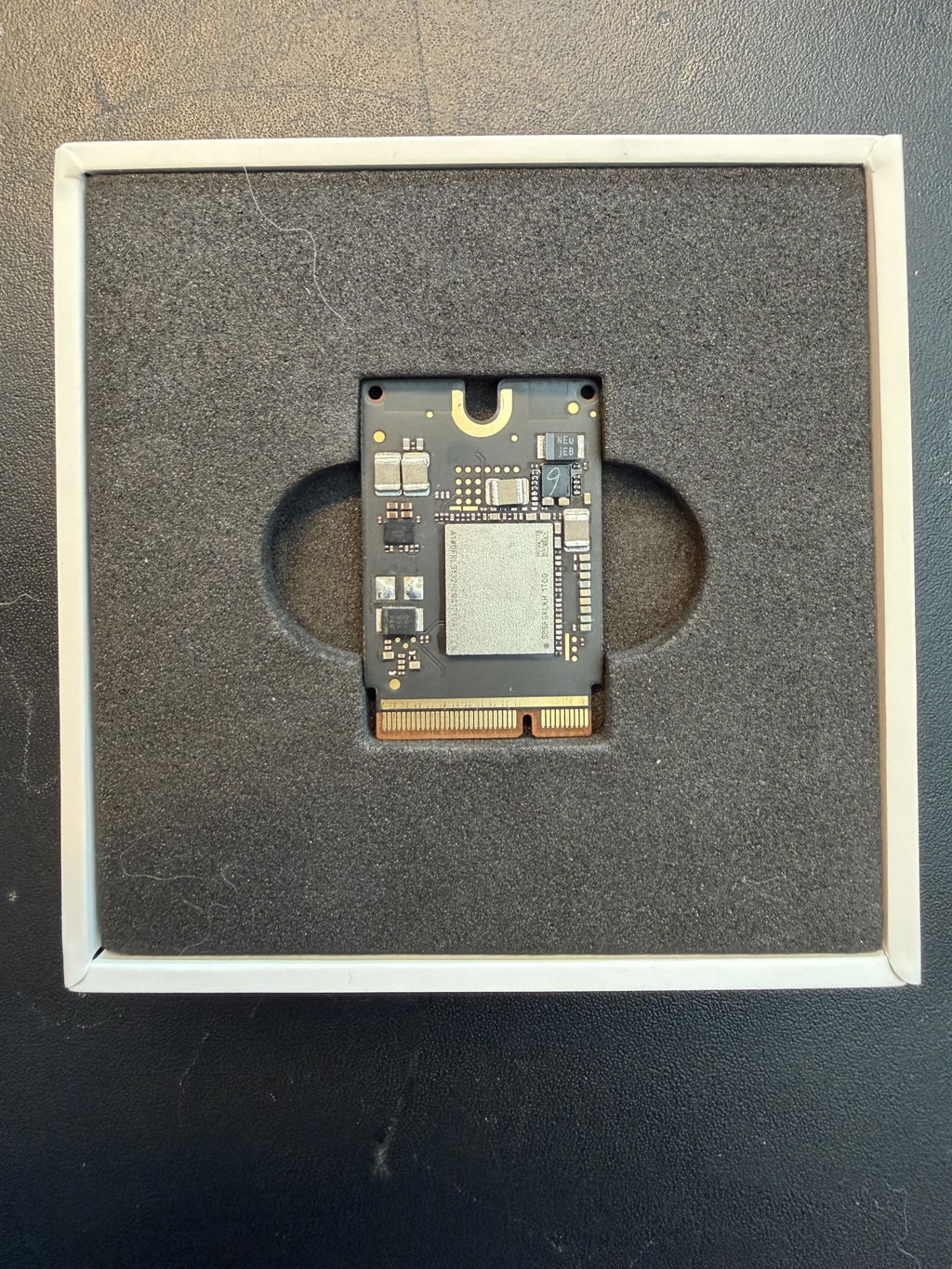
Works perfect
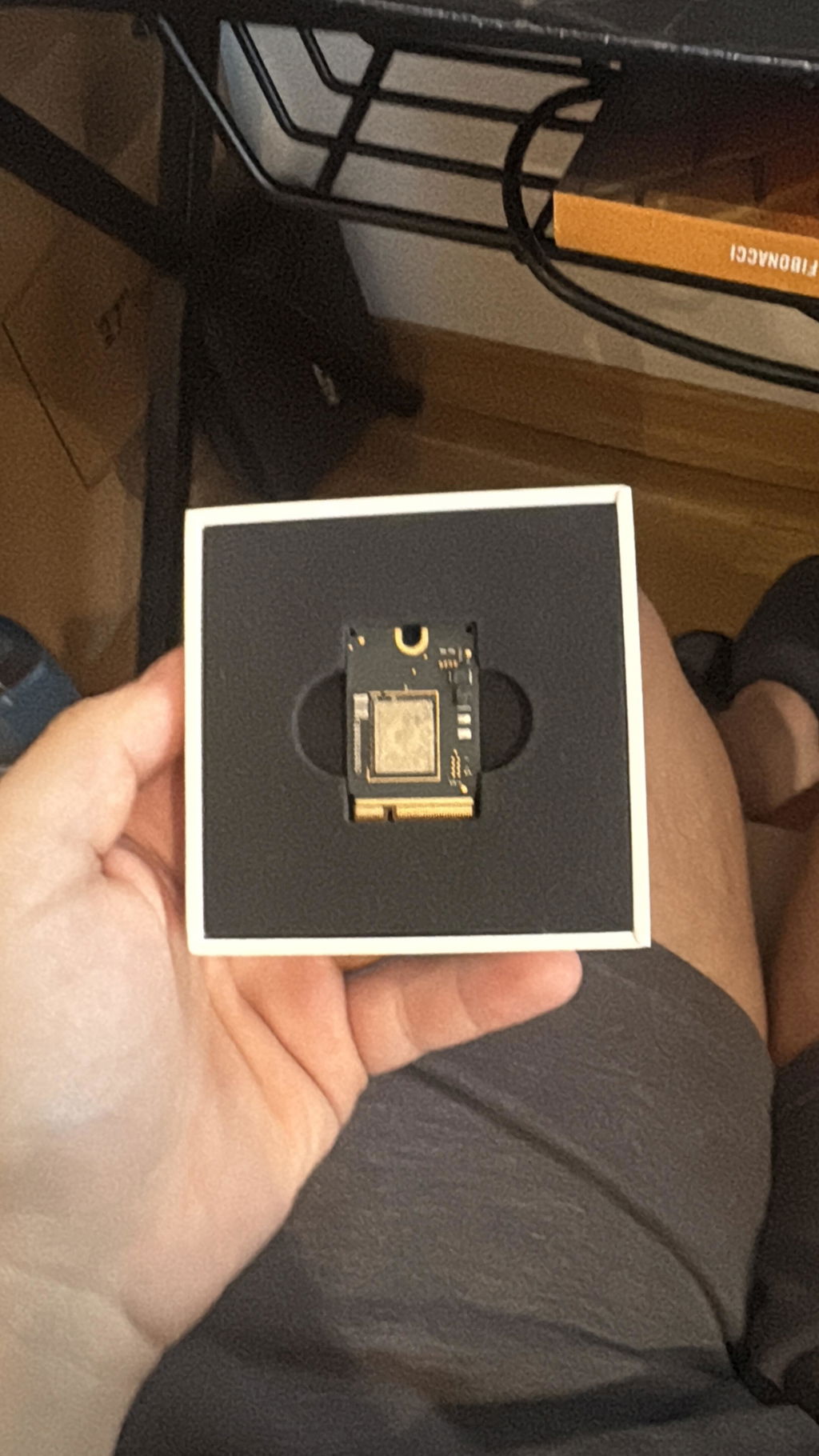
The SSD replacement for the Mac mini M4 from M4BoostHub is a perfect option for anyone who finds the built-in storage space too limiting. After the upgrade, the system and apps run smoothly, and working with larger files is noticeably more comfortable in everyday use.
What really stands out is how easy the original drive is to replace. The process is straightforward, and the step-by-step video guide on the website is extremely helpful — it walks you through the entire upgrade clearly and calmly, making the whole process much less intimidating, even for users without prior experience.
Considering the significantly lower cost compared to Apple’s official storage upgrades, this is a sensible solution for extending the usability of a Mac mini M4 without unnecessary expense.
Super SSD, best quality.
After installing the new 2TB SSD in my new M4 Mac mini a message no HDMI output When I reinstalled the original 256GB SSD every thing works fin. After working with tech support. They got me the solution to fix this issue.
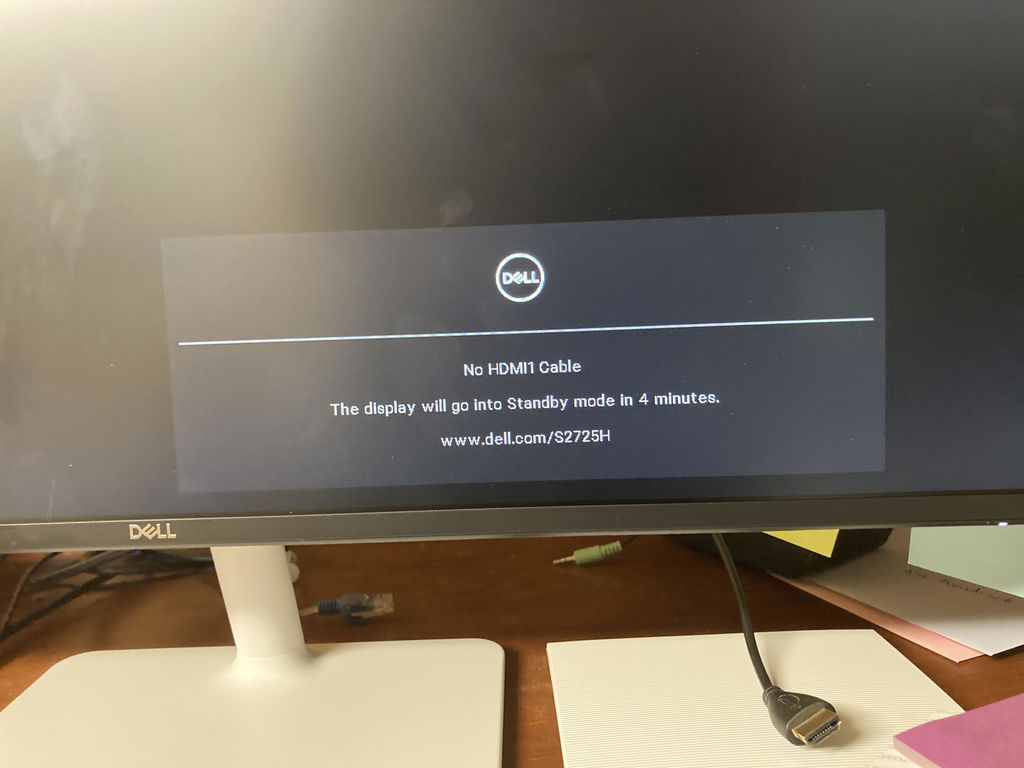
You need DFU first.
What you’re seeing (“No HDMI signal” only when the 2TB module is installed) usually means the Mac mini isn’t completing startup because the new internal drive hasn’t been paired to the system yet. On Apple‑silicon Macs, replacing the internal storage typically requires a firmware Restore using Apple’s Apple Configurator tool.
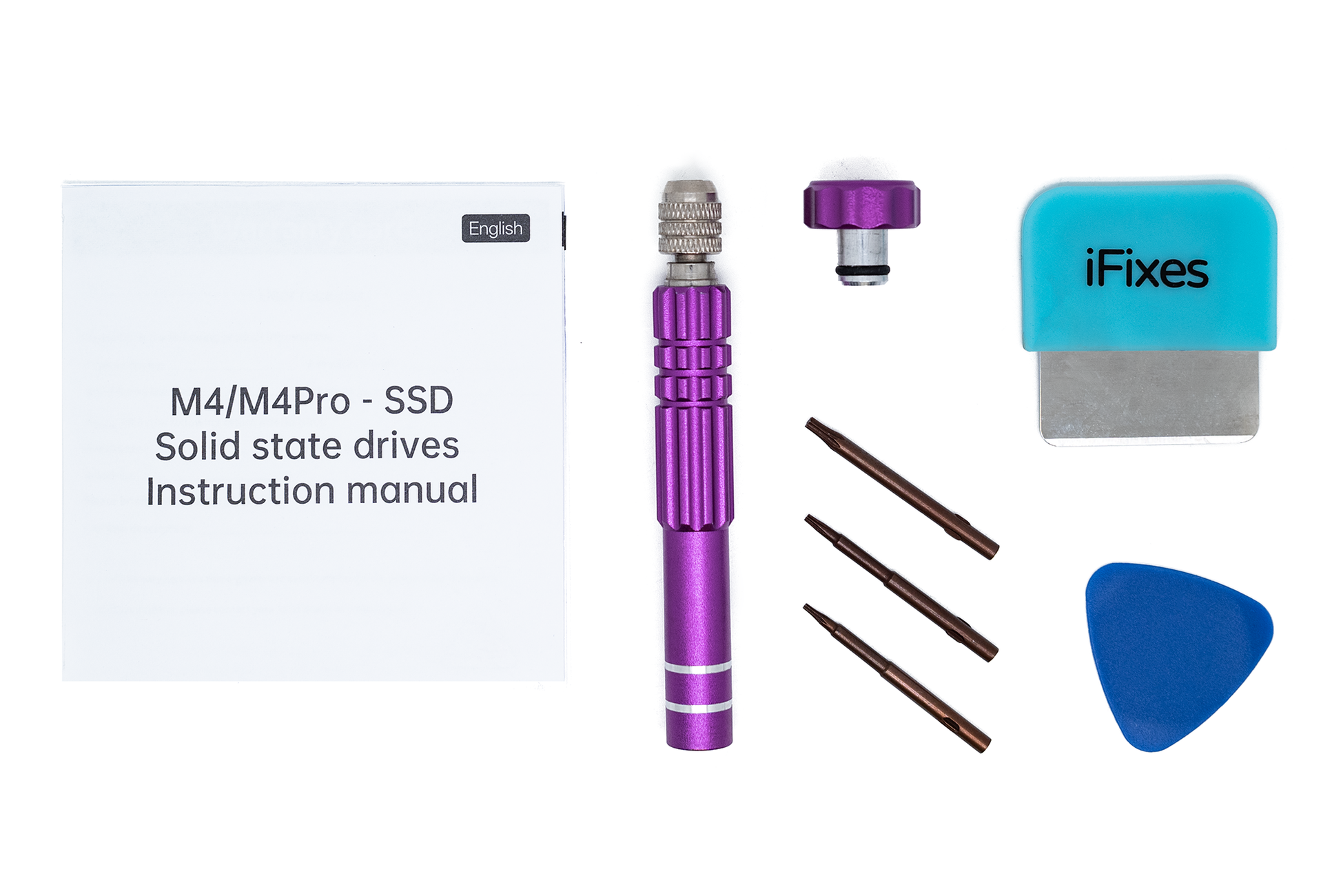
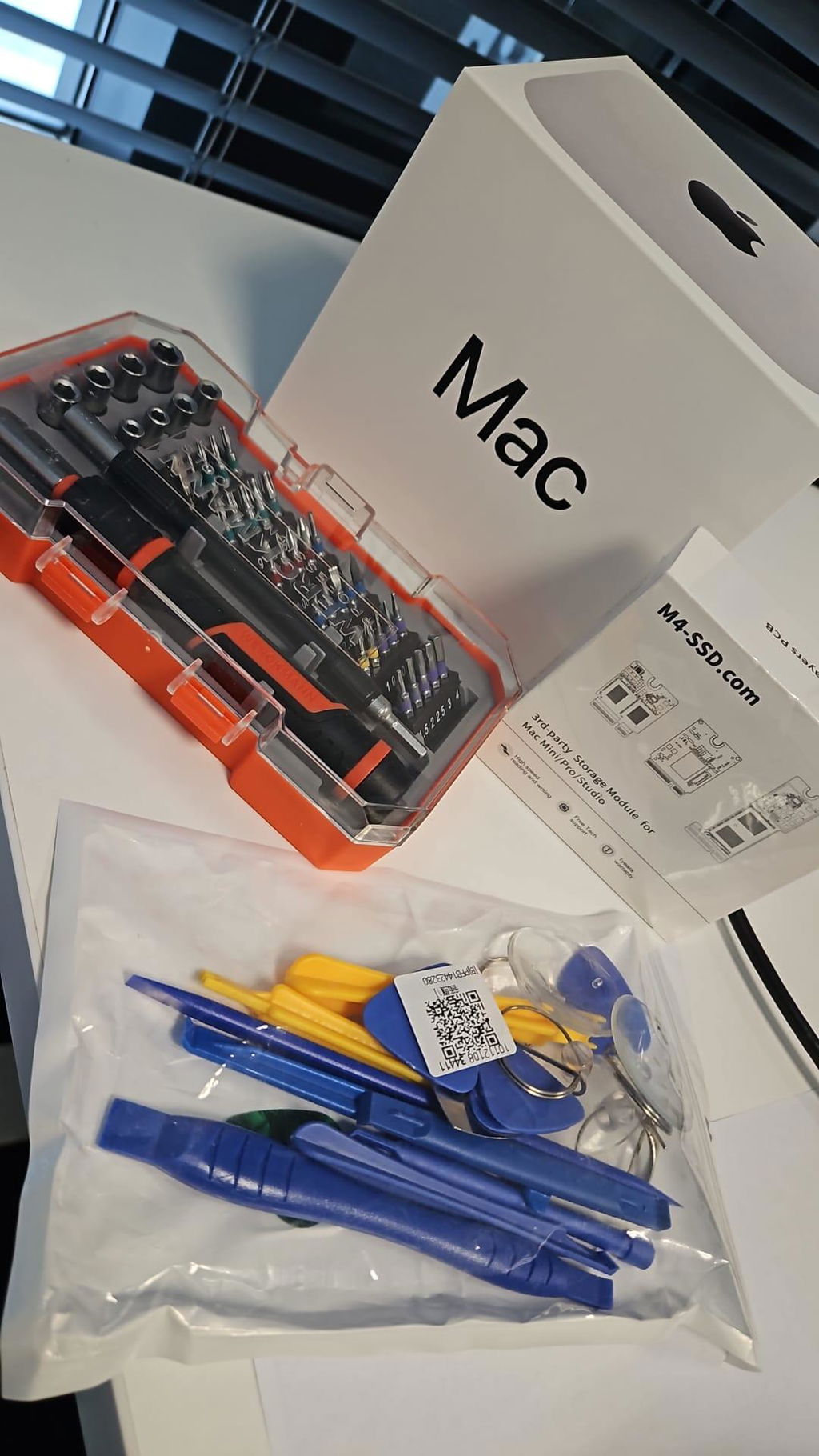
Excellent product. Great additional tools included for easy change of SSD. Took about 2 wekks to get it delivered to me (in Sweden).
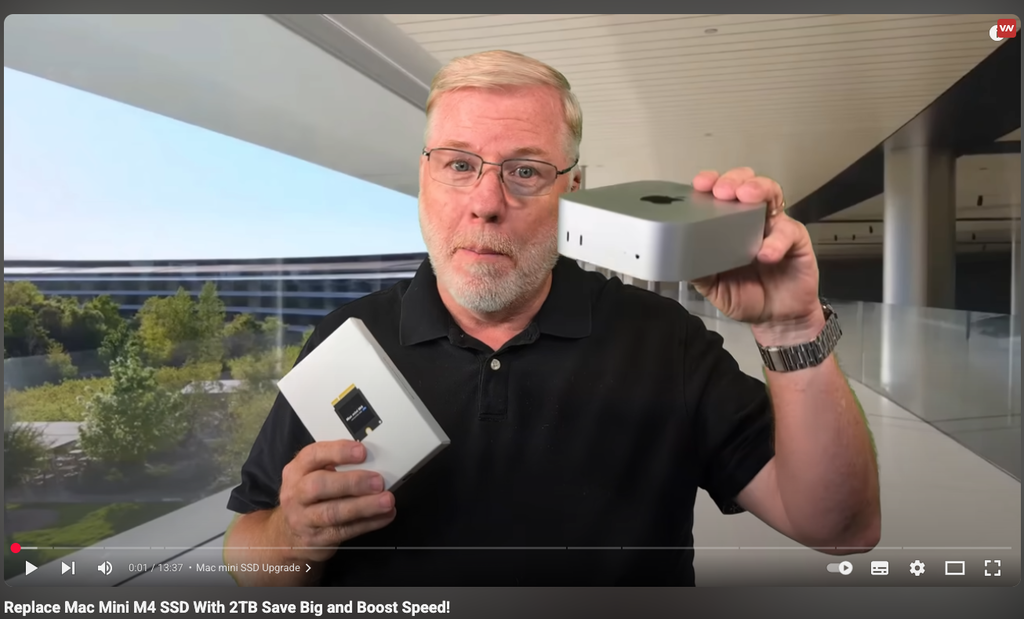
Use this together with some excellent Youtubes about 'How to change your SSD on a Mac Mini M4' - and you are good to go. I know have a Mac mini with a 2TB SSD. Wohoo!
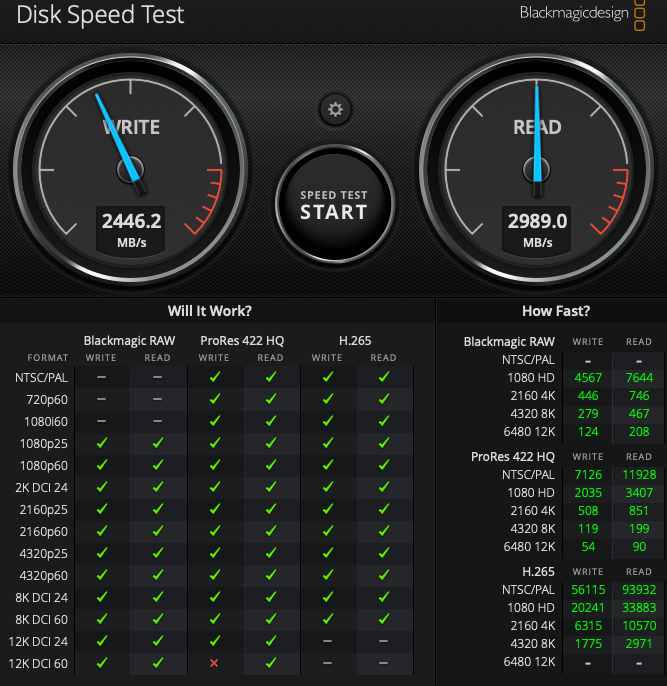
Delivery within 10 days, which was acceptable. Excellent product. Installation took less than 15 minutes! Has been running smoothly so far. Write just under 2600, read just under 3000 - could be a bit faster
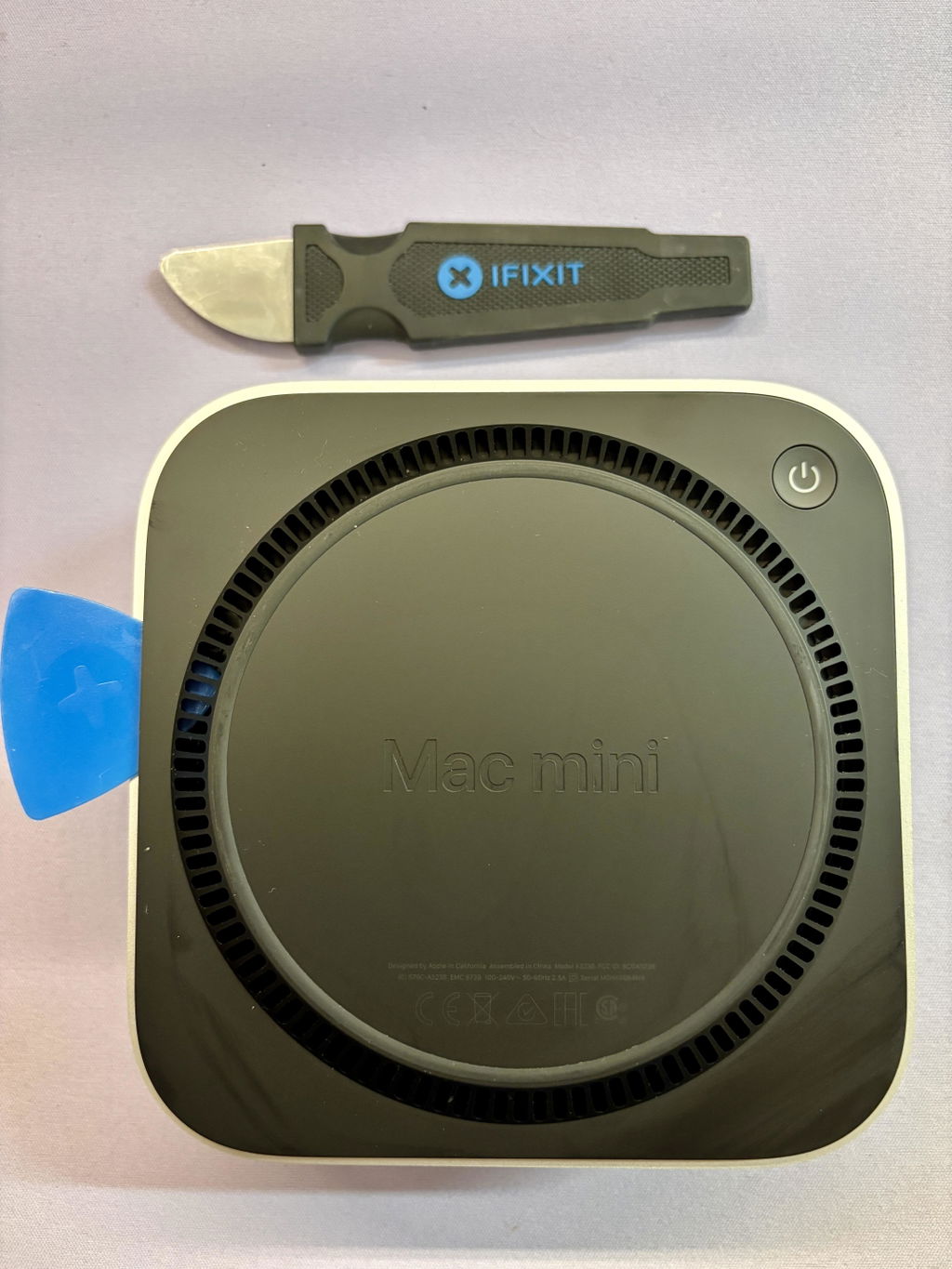
Worked great. There was no need for disconnecting any cables and the provided tools where enough for the job. First i used the suction cup to lift the lid at the"bottom" side from the power button to be able to insert the tool without risking to make any marks on the device. Rest was self explaining. Only time will tell how the endurance is on it.
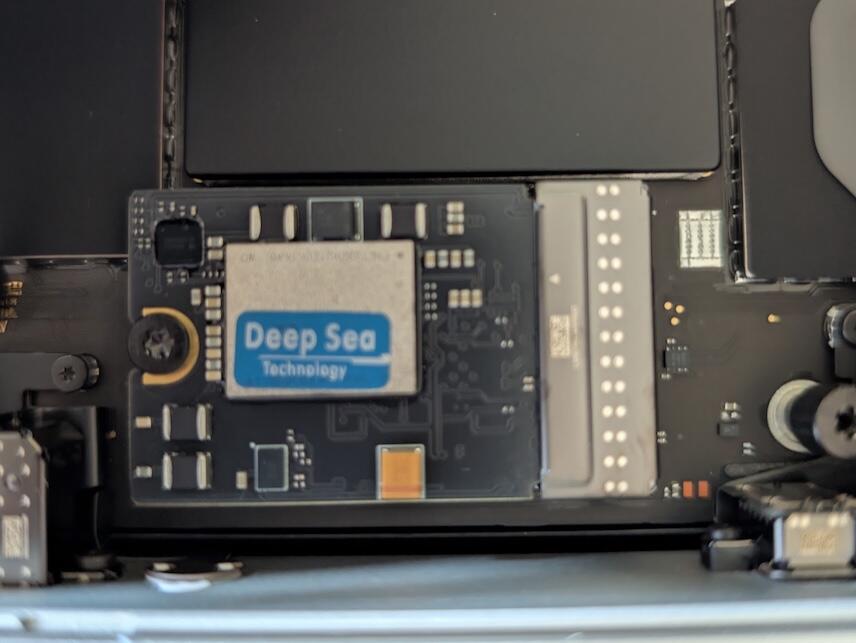
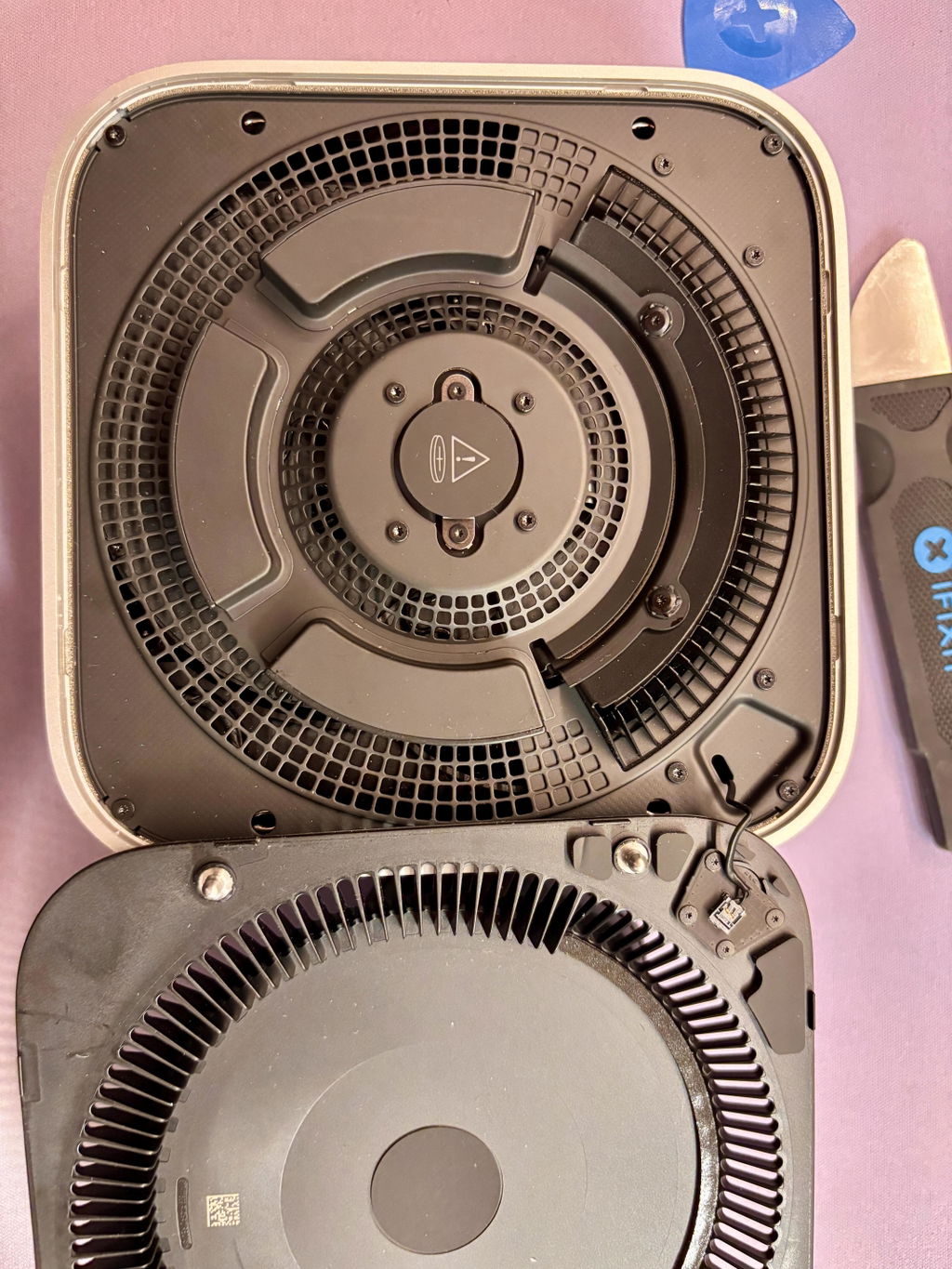
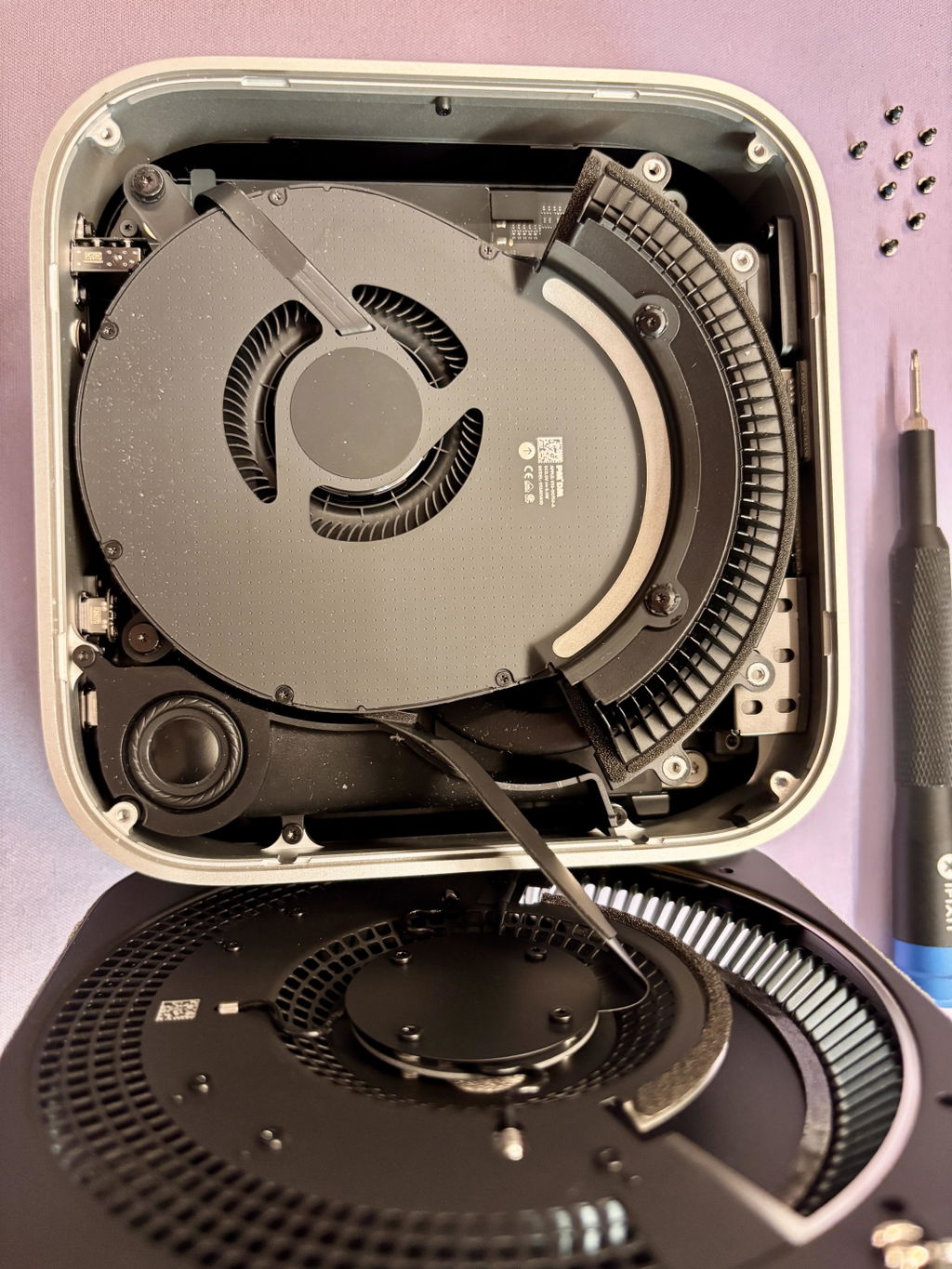
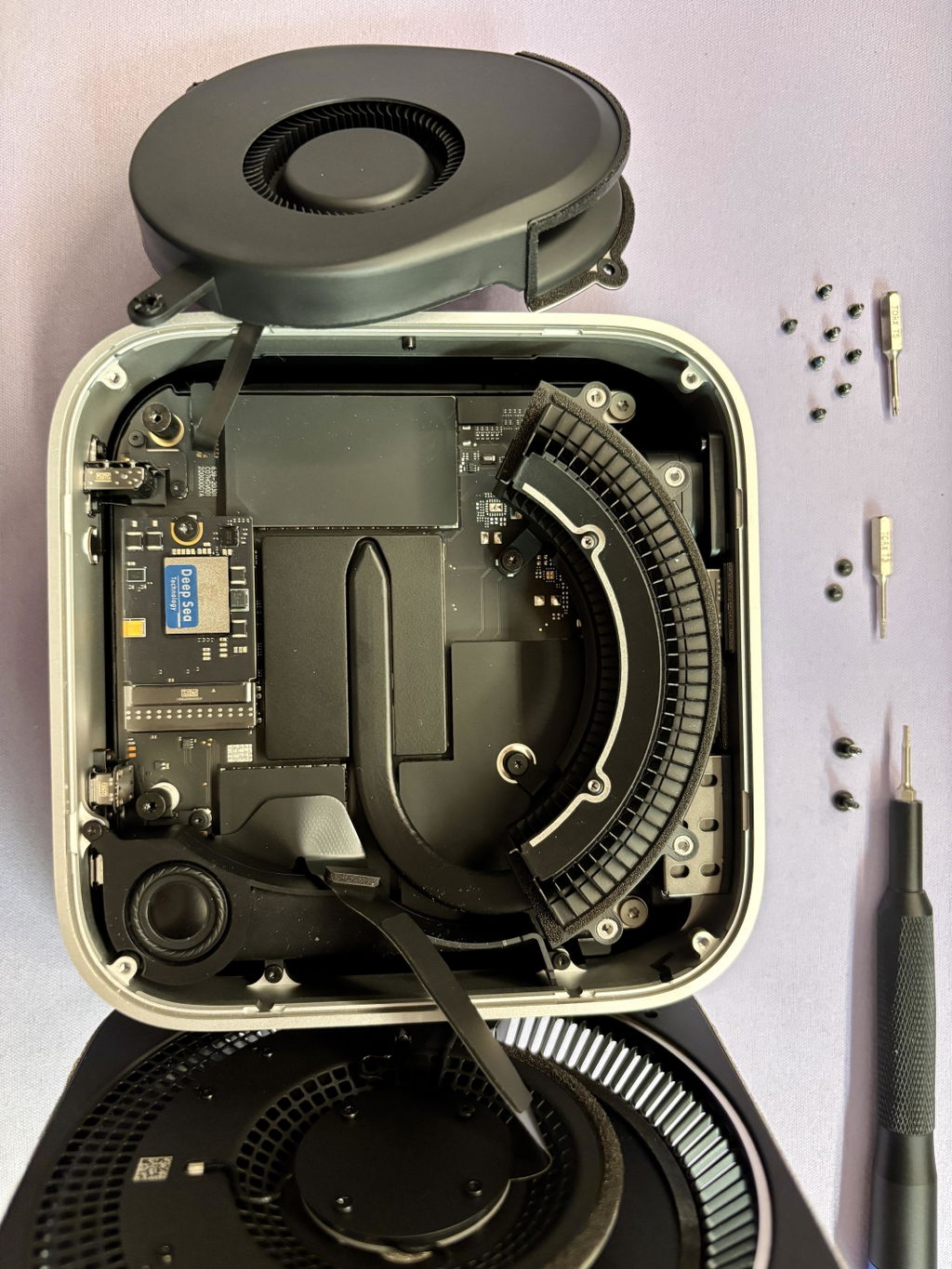
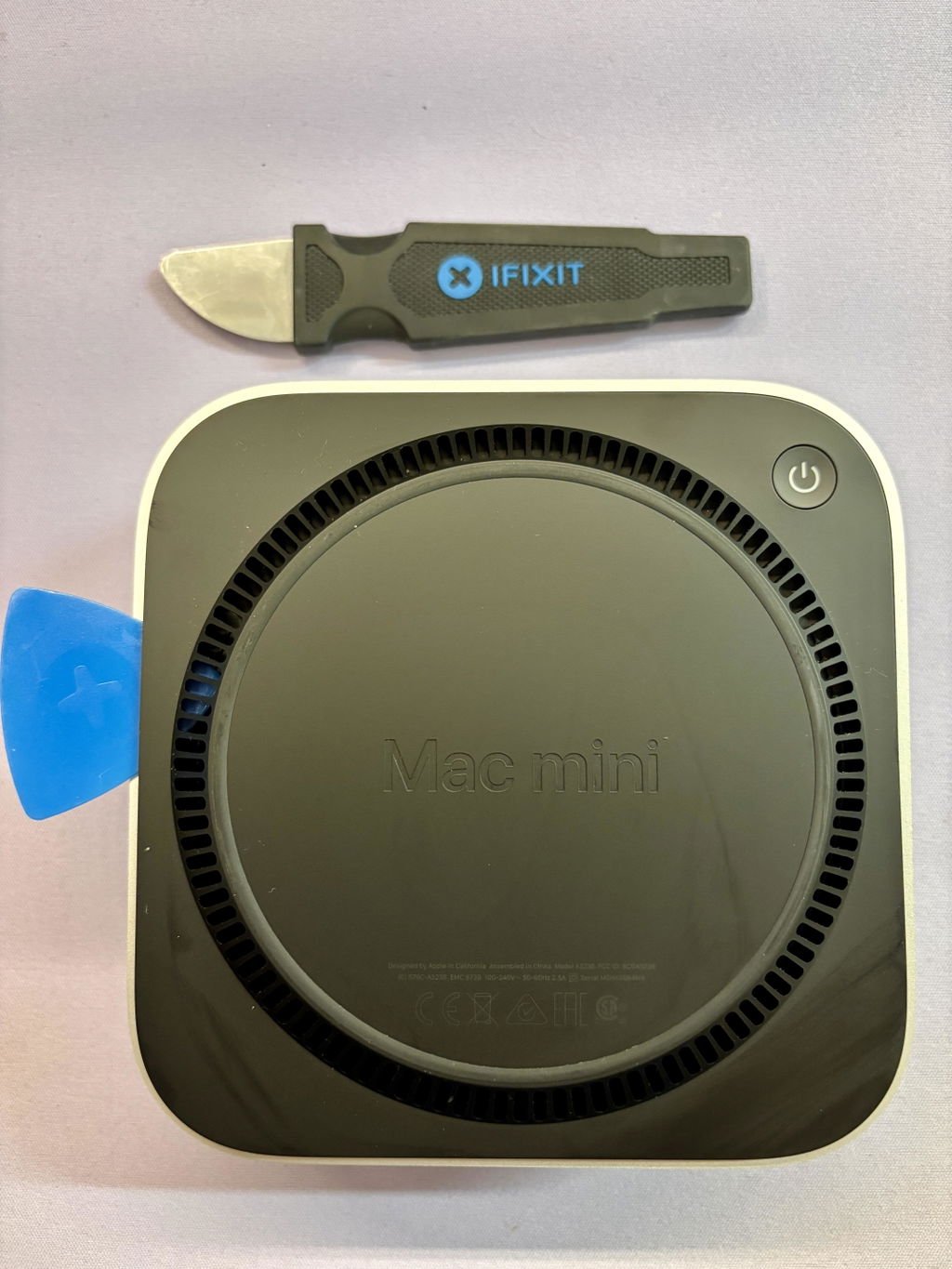
Installing the SSD was very easy. To ensure that commissioning in DFU mode works correctly, make sure that the SSD is correctly seated in the socket. Mac OS could then be installed correctly. There have also been no problems during operation so far. All in all, a comparatively inexpensive way to upgrade the standard model from 256GB to 2TB.
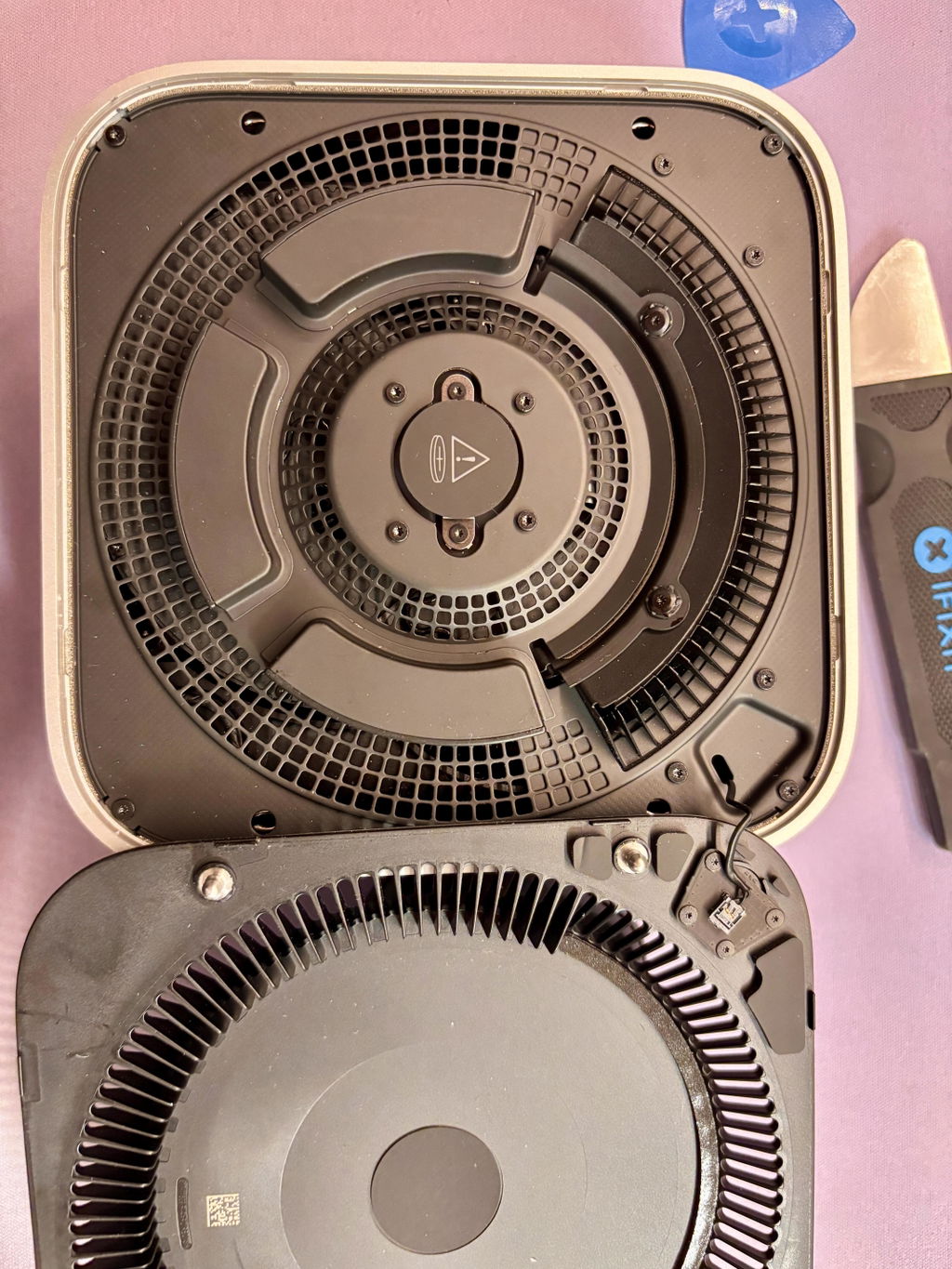
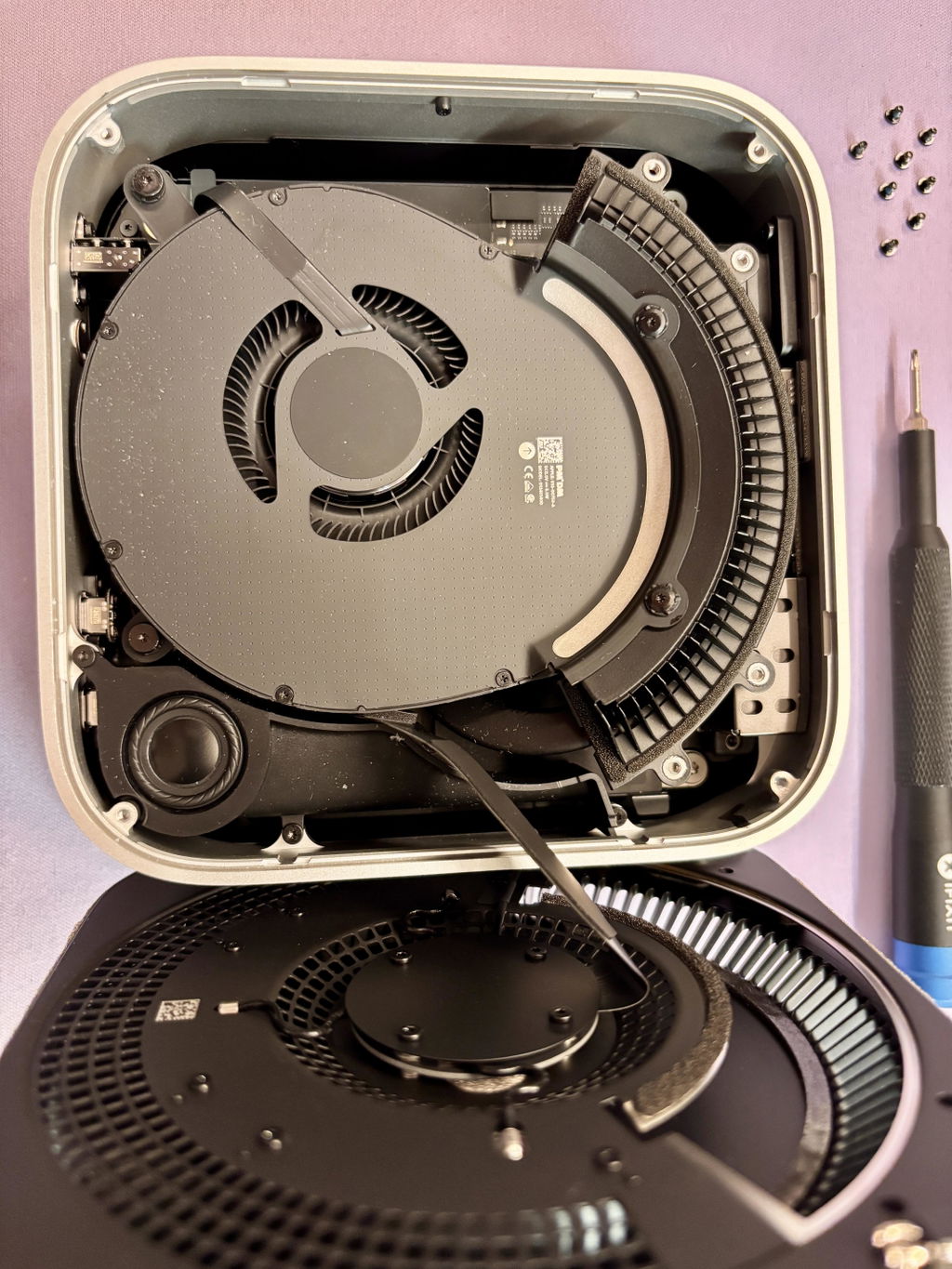
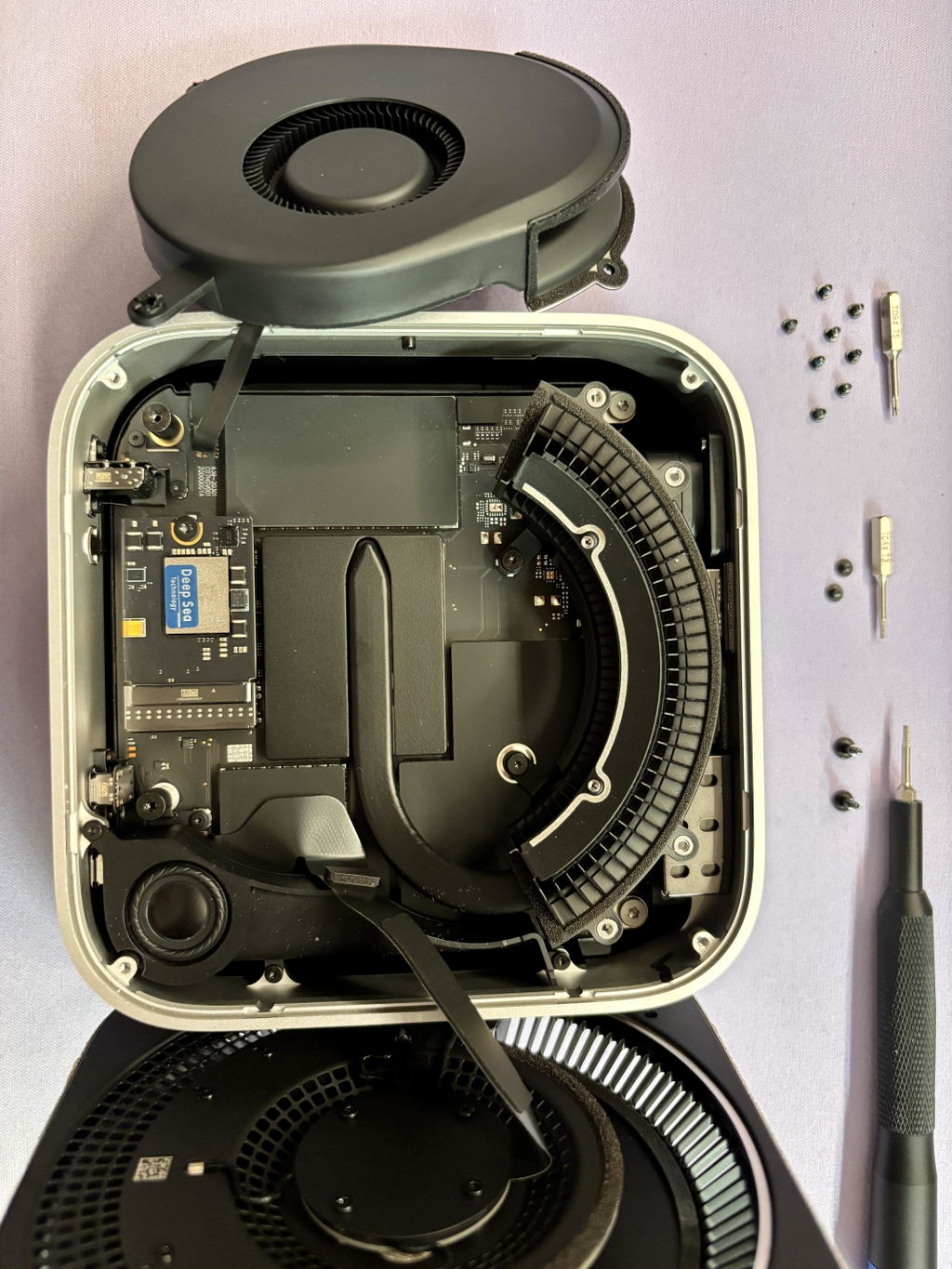
Hi Frank,
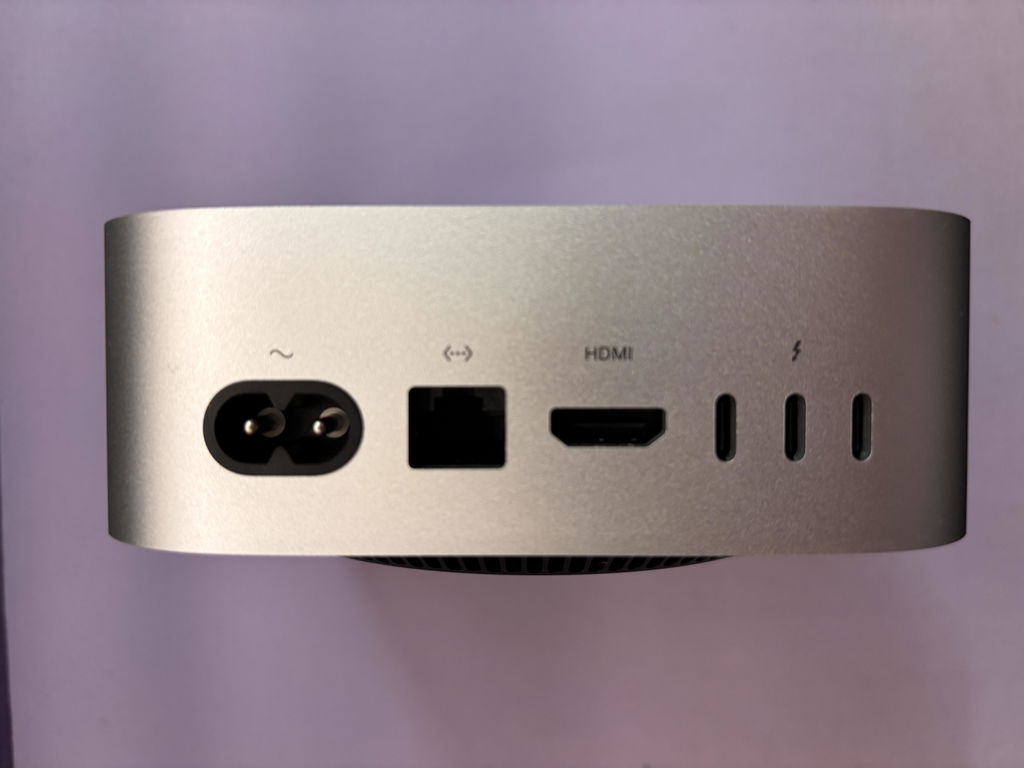
Thank you so much for the fantastic 5-star review and for sharing those installation photos!
We’re glad to hear the DFU setup went smoothly once the SSD was firmly seated and that macOS has been running flawlessly ever since. Your note about upgrading from 256 GB to 2 TB for a reasonable price is exactly the benefit we hoped to deliver.
If you ever have questions, ideas, or just want to share more insights, feel free to reach out any time. Enjoy the extra space on your Mac mini M4, and thanks again for choosing M4 Boost Hub!
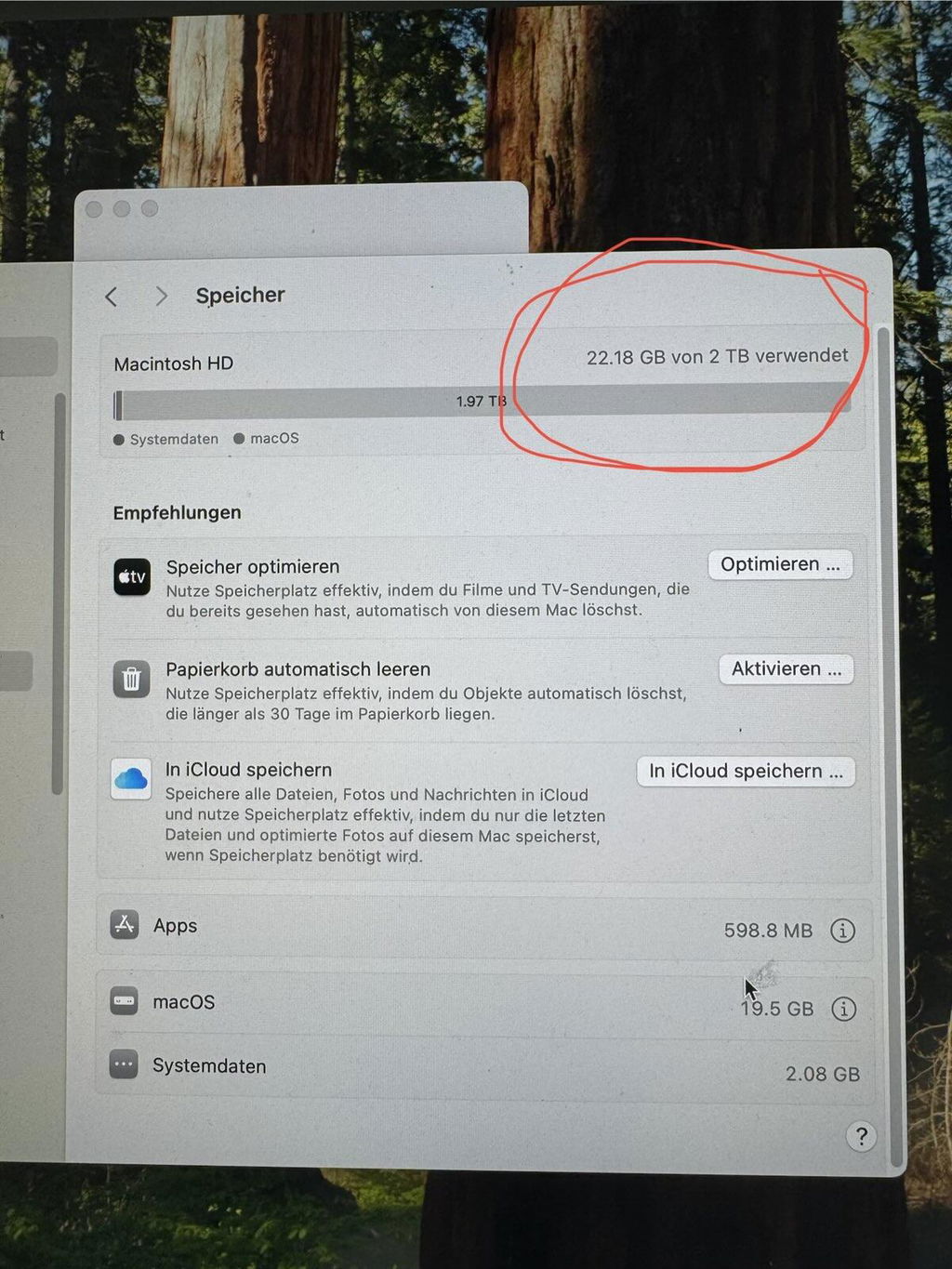
Can't install flash: error message 3006. Tried different usb cables, also original apple usb cable. What shall we do? Send back the 2T module?
Update: after different difficulties and with grate support from the seller we succeeded to install the moedule without error message. The solution was to reseating the module.
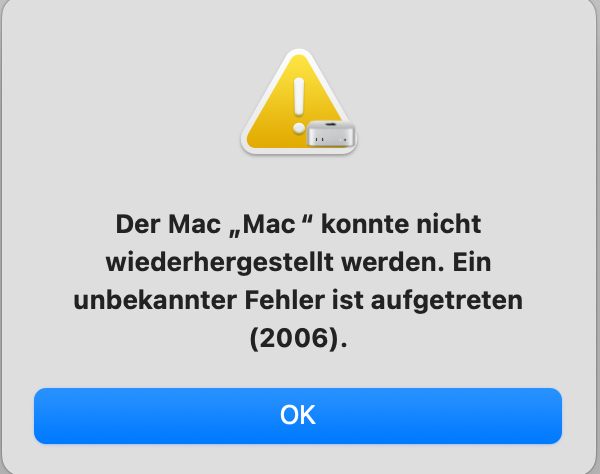
Thanks for the quick update. One more thing to explicitly try before sending the module back:
Please test with a high-quality third-party USB-C ↔ USB-C cable
Occasionally the original Apple-branded cable supplies just enough power for normal use but not quite enough during DFU-mode restore. A Thunderbolt-certified or 100 W/10 Gbps data-rated cable from Anker, Ugreen, Belkin, etc. often resolves error (2006).
Here’s the full checklist including that extra step:
Latest Apple Configurator 2 and fully updated macOS on the host Mac.
Direct cable connection, no hubs/adapters, both Macs on AC power.
Try the non-Apple, high-spec USB-C cable described above.
Redownload the IPSW file (corrupted downloads can also trigger 2006).
Re-enter DFU mode on the target Mac (hold power, plug cable into the rear Thunderbolt port closest to the power connector, keep holding ~3 s, then release).
If you still see “Unbekannter Fehler (2006)” after these steps, let us know.
working as it should! much cheaper drive Than apple's one!!!! for the same performance!!!!
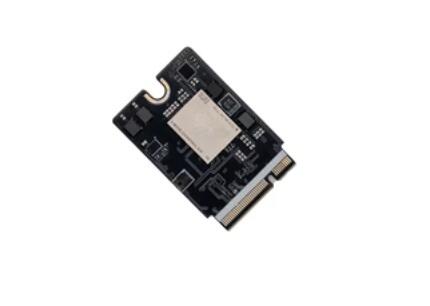
Easy installation, the disk will boot without any problems using a Macbook
Didn’t include the right bits to install drive, coupon code didn’t work, and customer service was unresponsive to both issues.
Been using it for 9 days and it's working fine, don't know if it's the placebo effect but feels like is faster. It was easy to install but I broke off one of the pegs by going too fast.When I run benchmarks it is not consistent but in normal usage it does not do that. I think it's not an issue.
Easy to replace
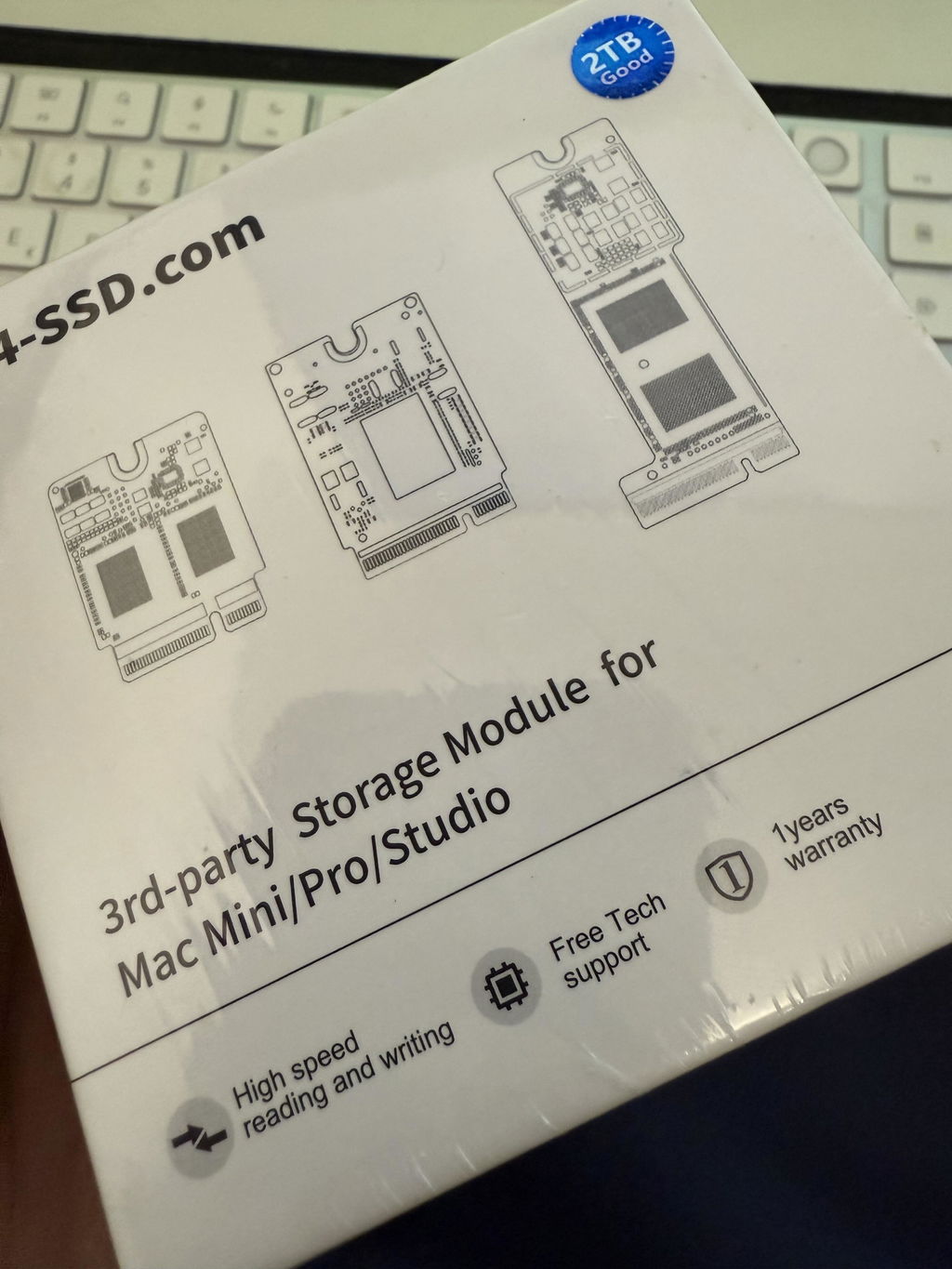
Other than some QR codes, it looks identical to the original.
Hardware installation took a few minutes.
I managed to get the software side done with a regular USB-A to USB-C (3.0) cable using an old Intel MacBookPro Late 2015 running Sequoia with OpenCore legacy patcher.
Time-machine is the only viable option to keep your current setup. I tried other ways of backup and imaging without having to wipe an external drive, but that doesn't seem to be feasible or at least not worth the effort.
Once I had a Time Machine backup, setup was a breeze.
Thank you! The 2TB SSD for the Mac mini M4 is working great.
Easy to follow instructions, works great. Customer service and communication with the company was easy too.
I love this! Delivery time, packaging and ease of installation made this upgrade perfect for my Mac mini. I recommend watching something like the ifixit video on YouTube that shows how to do the SSD replacement. Working like a charm and the read/write speeds are amazing
The memory is working without any problems and was easy to install
Took my time, just got it setup and everything seems to be working fine.
Am in the process of straitening out some quirks -had a bunch of software installed on an external- but that also seems to be working out.
Come back in a month and I'll tell you how it holds.
Vergleichspreise und Funktionen: Unterschiedlich M4 SSD-Lösung
Apple 2T |
M4-SSD 2T |
Andere SSD 2T von Drittanbietern |
|
|---|---|---|---|
Lesegeschwindigkeit (MB/s) |
3100 |
3000 |
3100 |
Schreibgeschwindigkeit (MB/s) |
3050 |
3300 |
3000 |
Flash-Chips |
Brandneu |
Brandneu |
Vielleicht generalüberholt |
Garantie |
1 Jahr |
1 Jahr |
Keiner |
Installationswerkzeuge |
- |
ja |
N / A |
Preis |
800 USD |
350 USD |
Wie benutzt man?
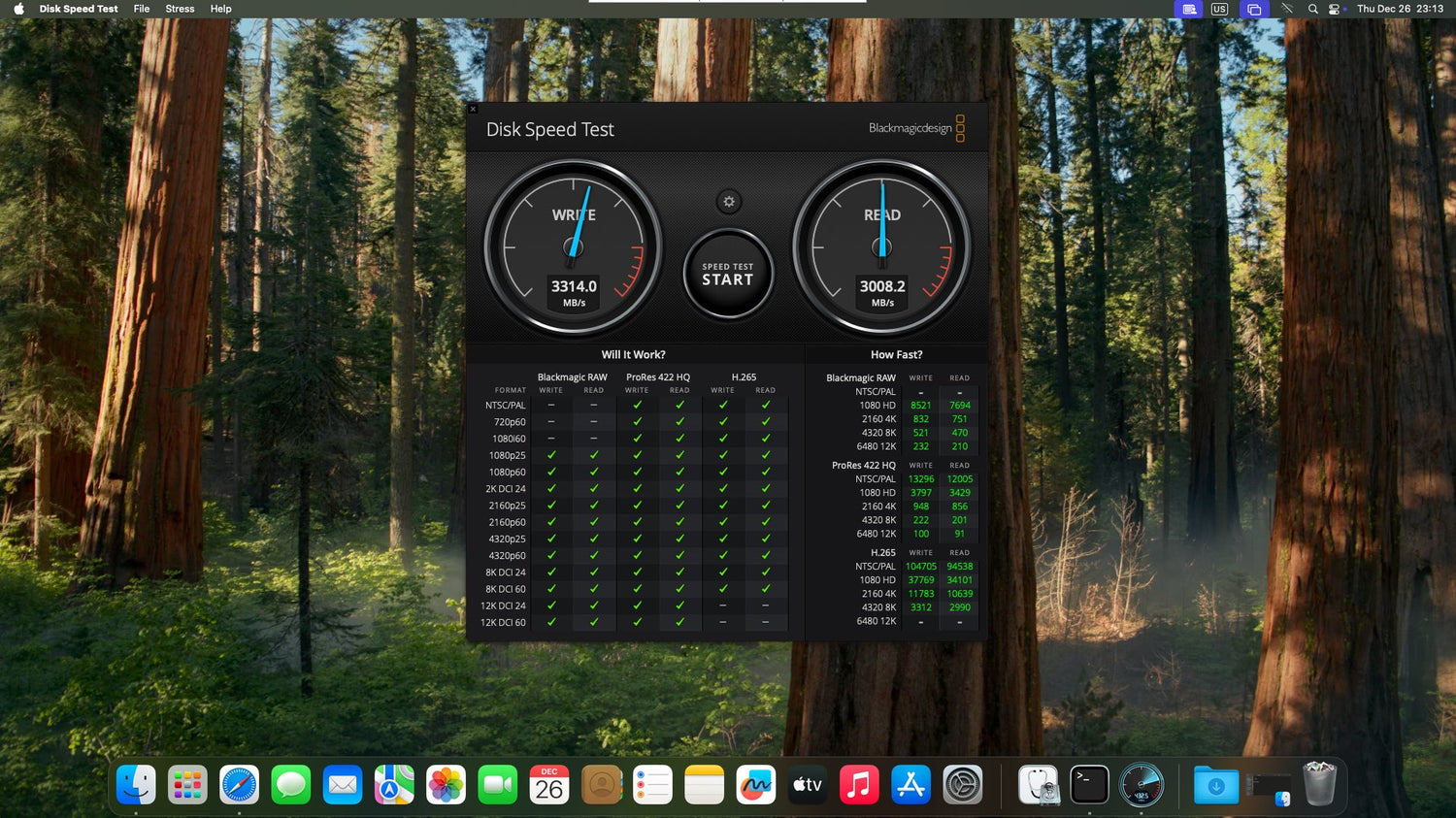
Screenshot des Geschwindigkeitstests
Testen Sie es einen Monat lang, um Geschwindigkeit und Stabilität zu überprüfen.