
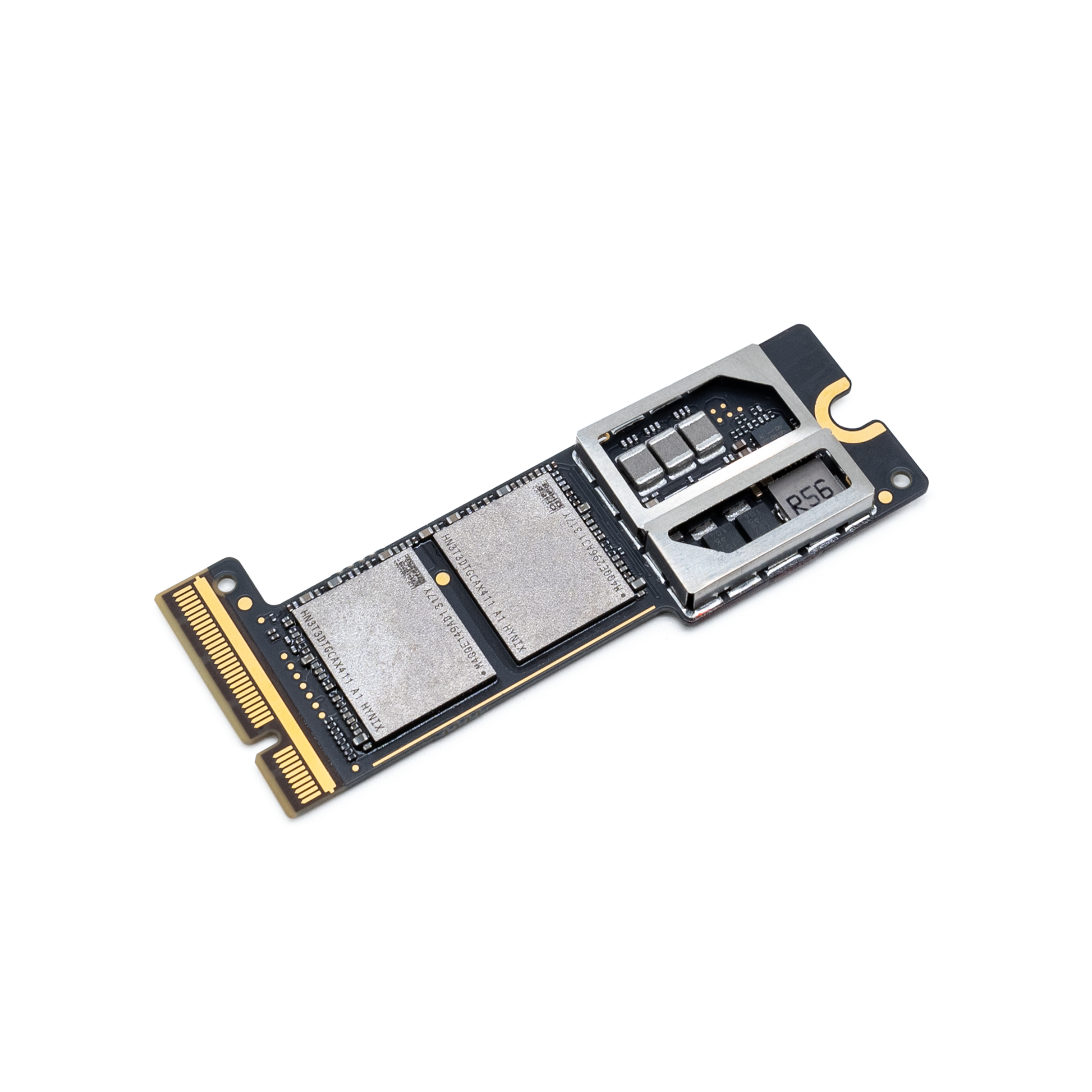
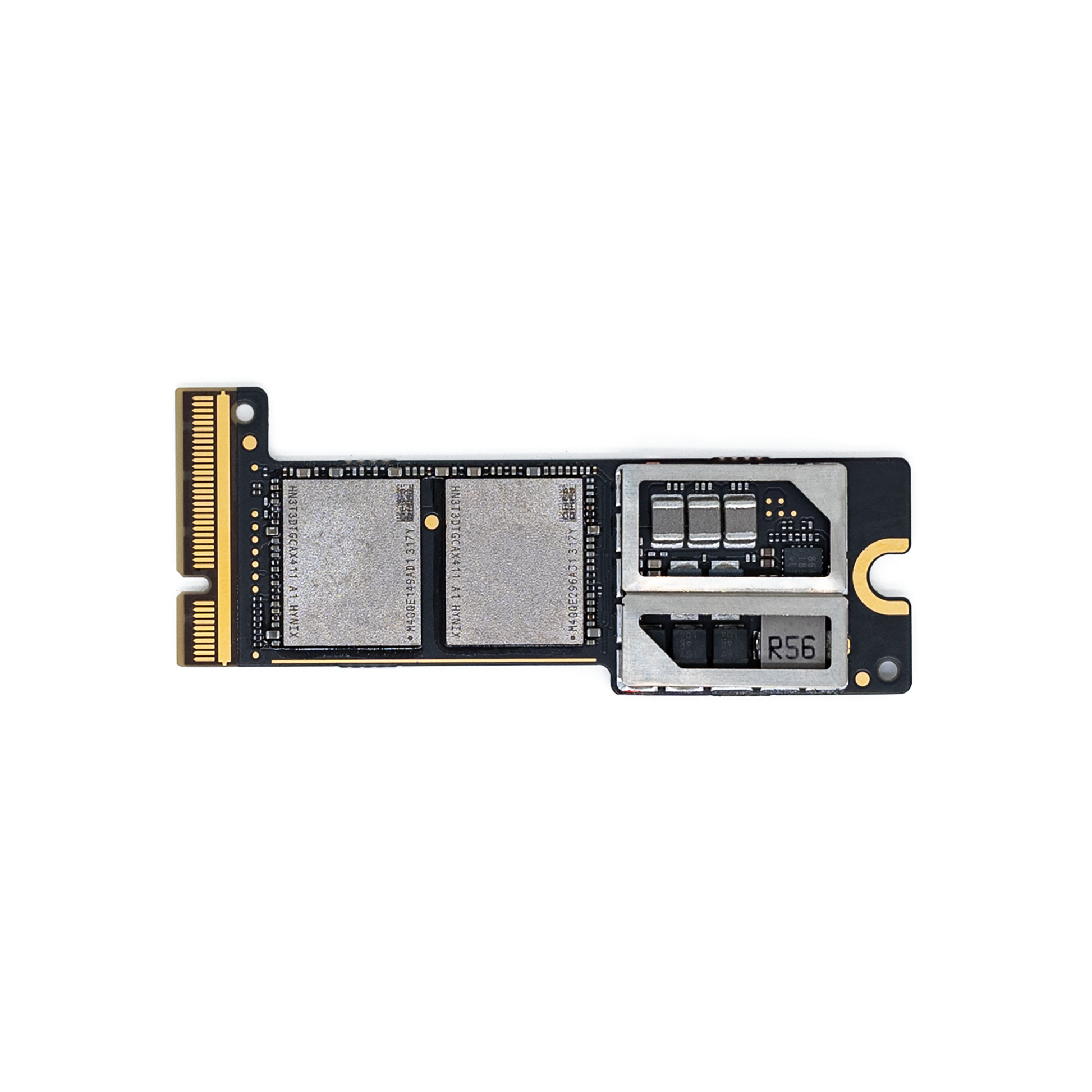
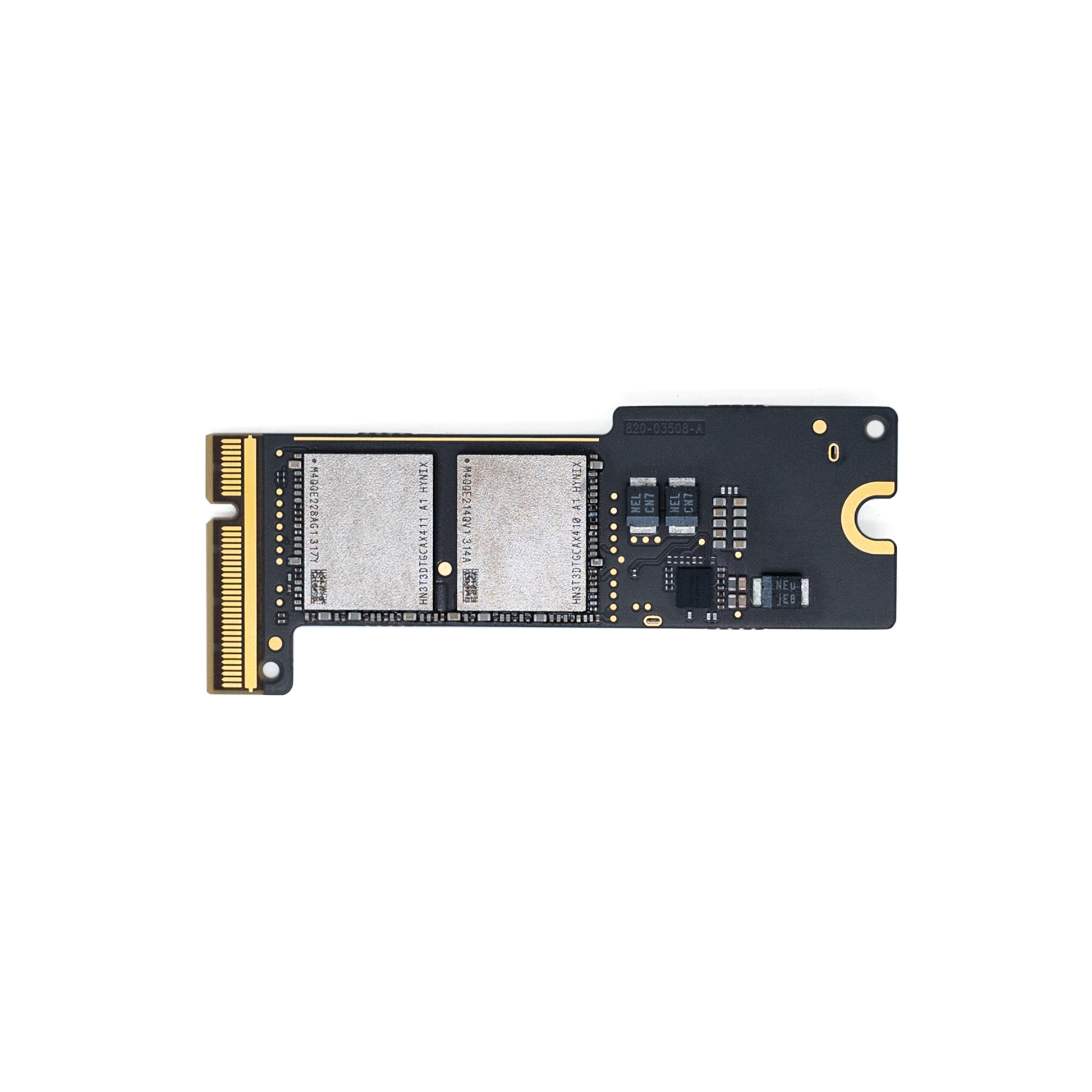
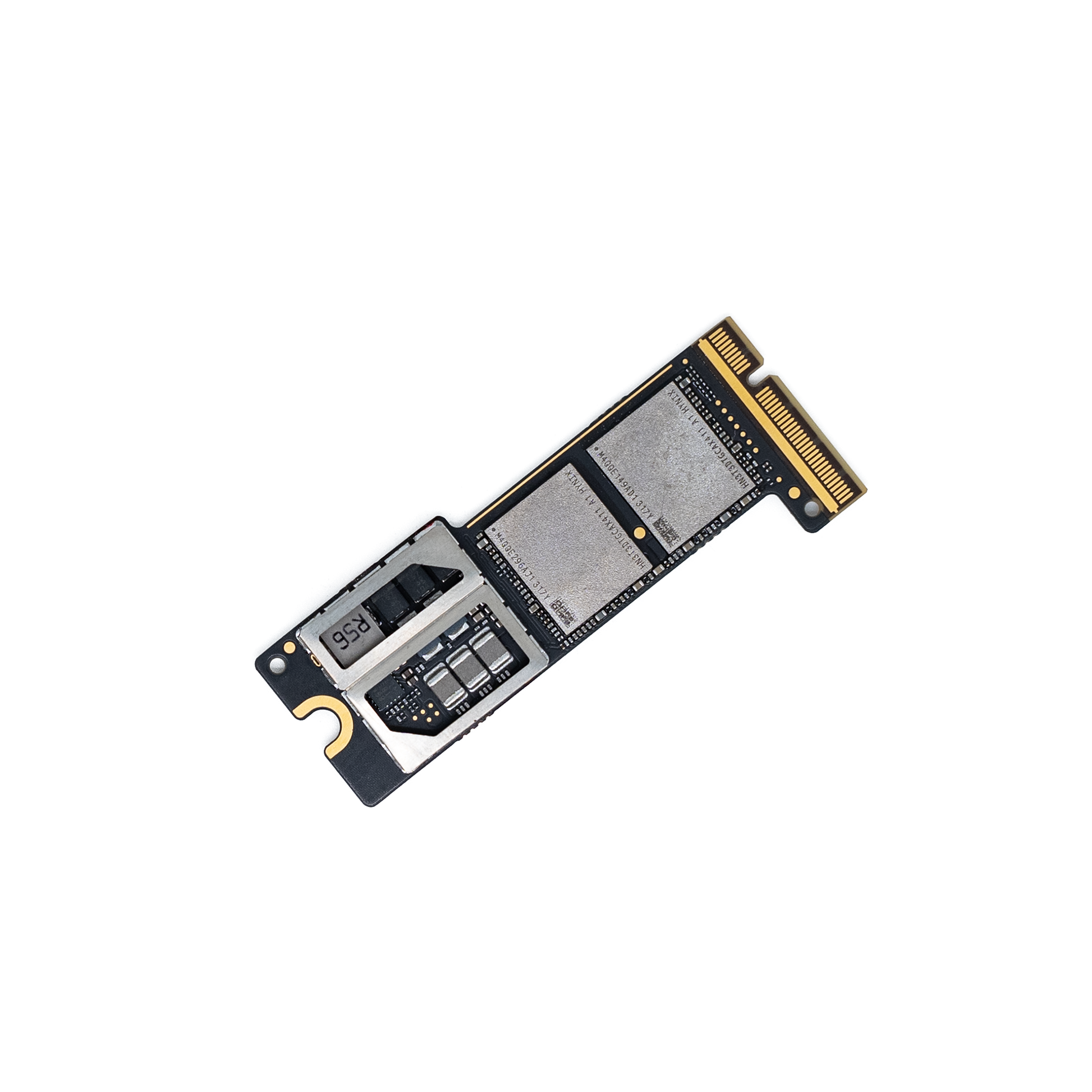
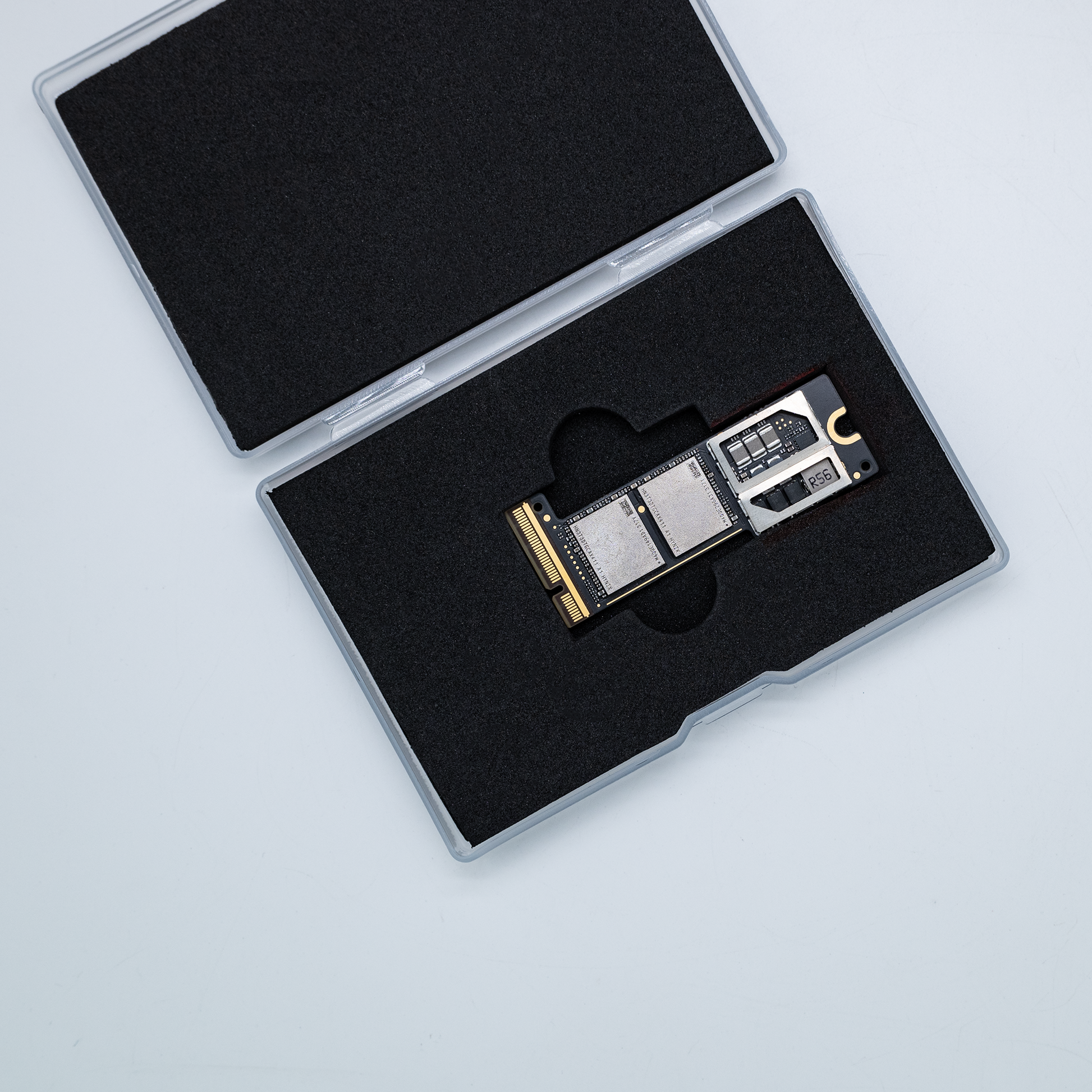
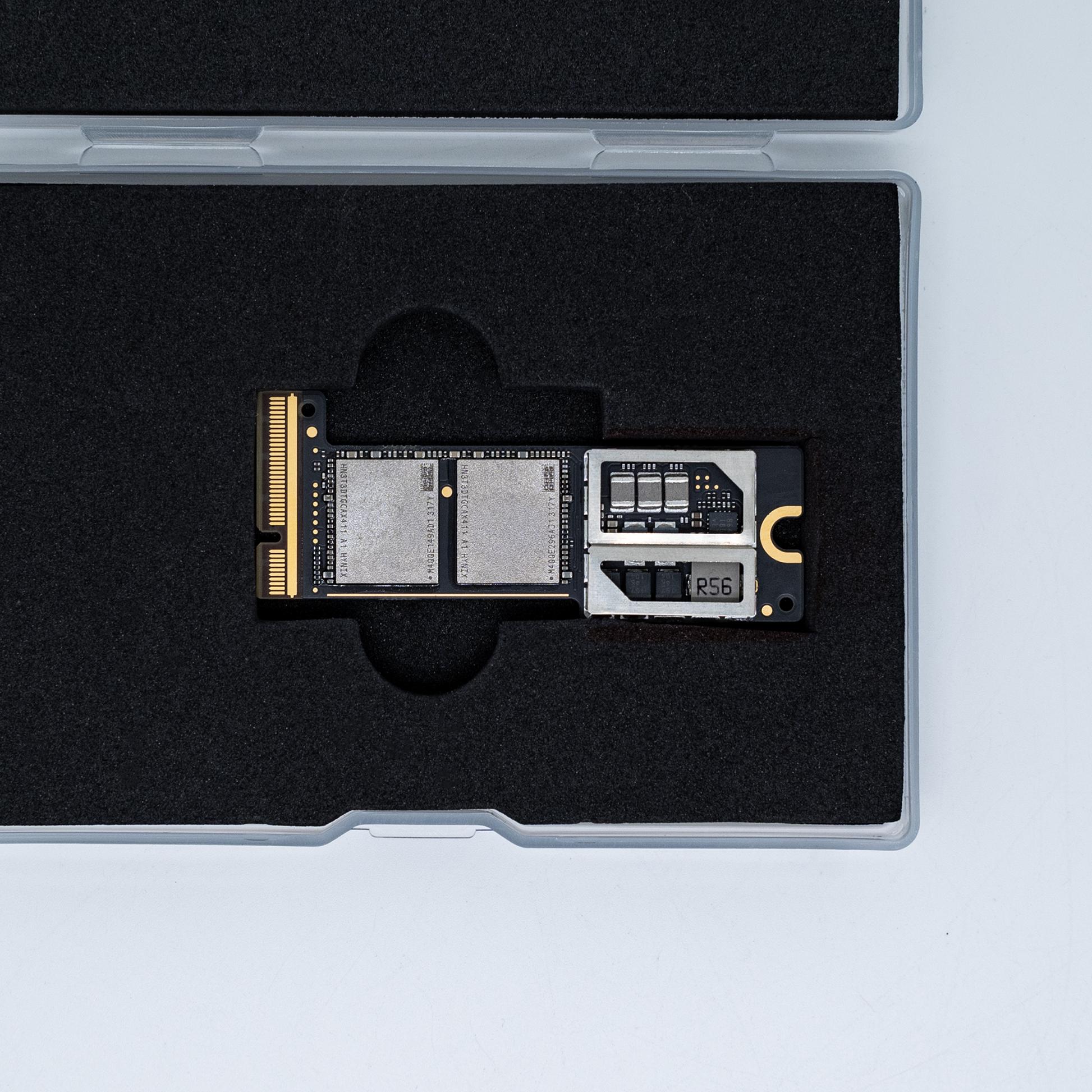
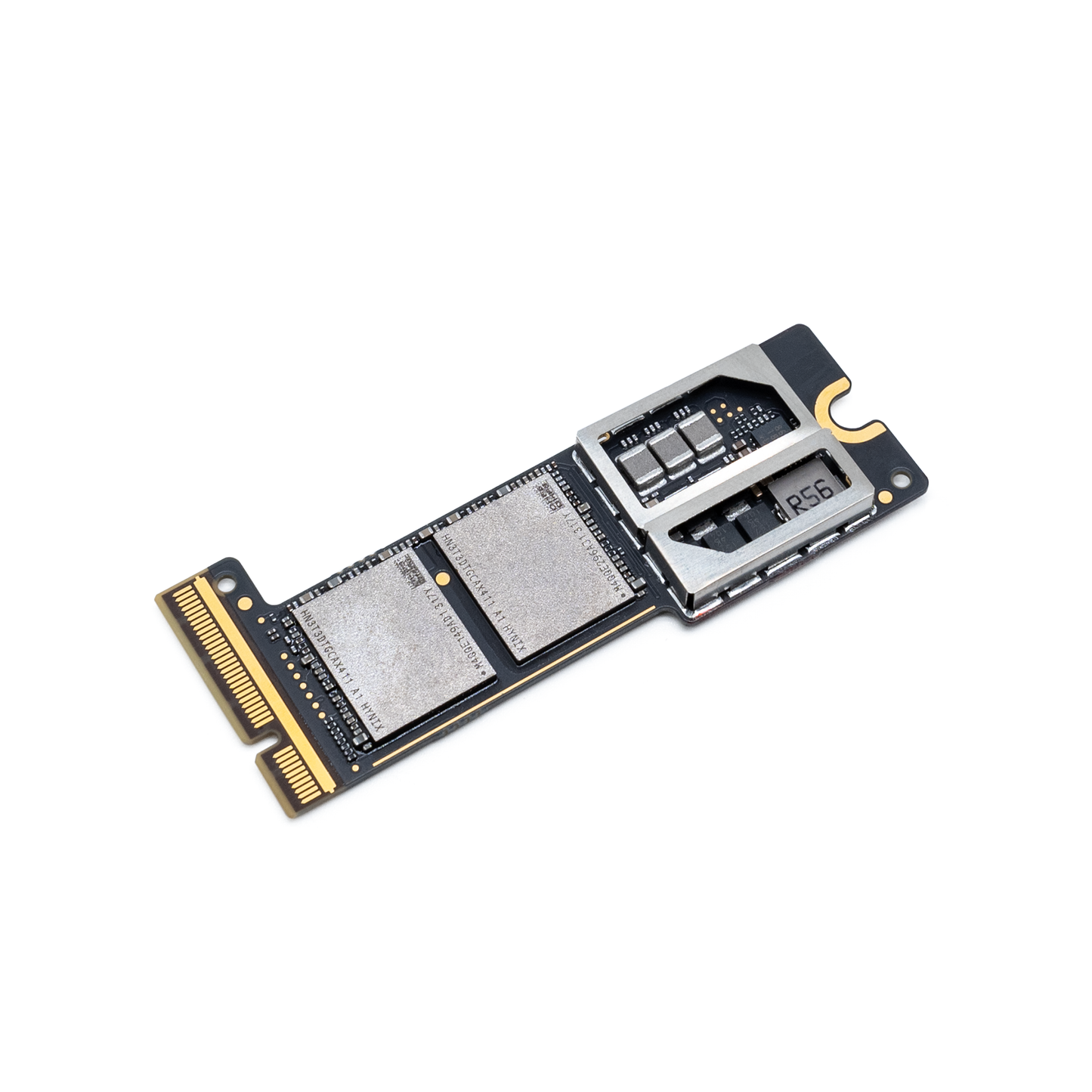
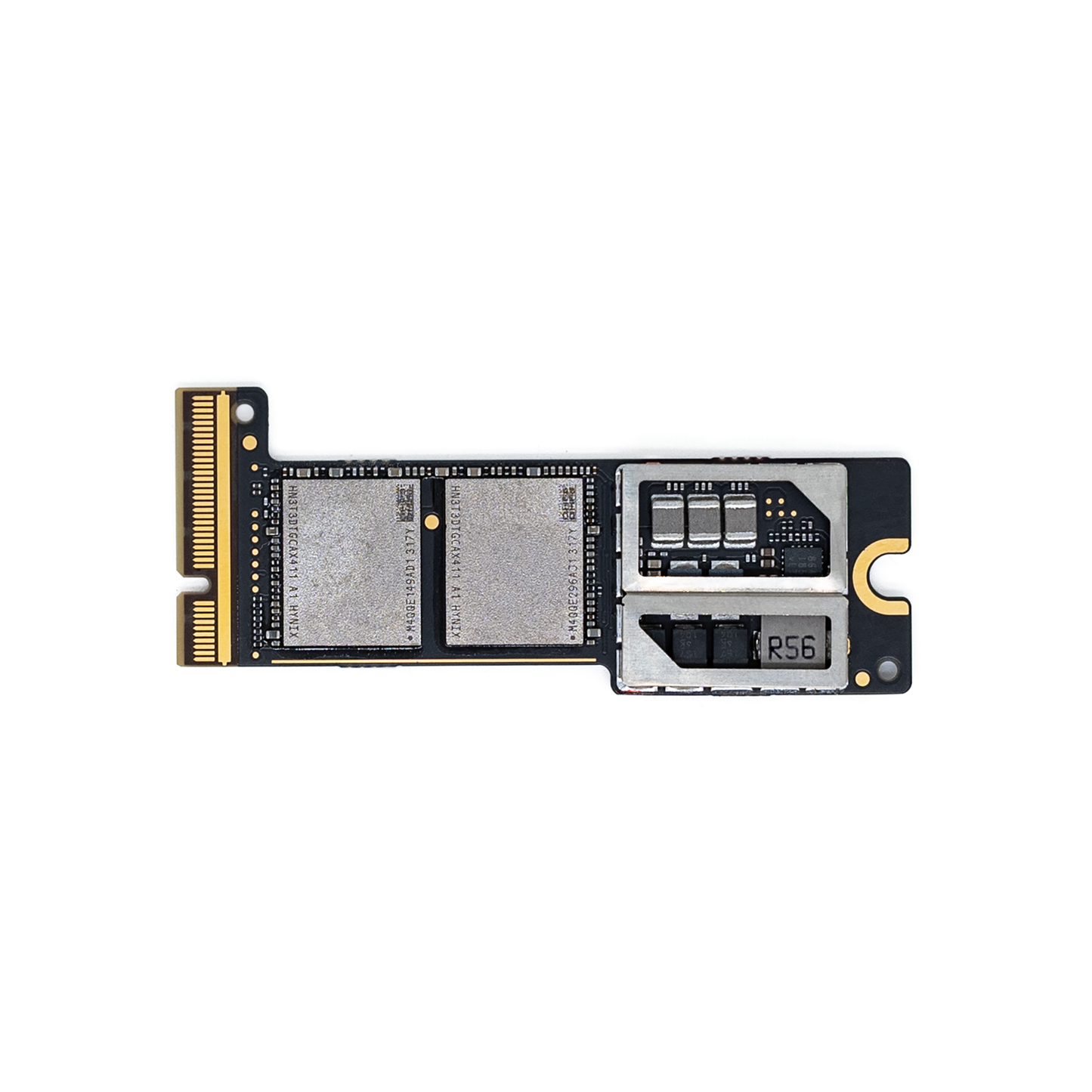
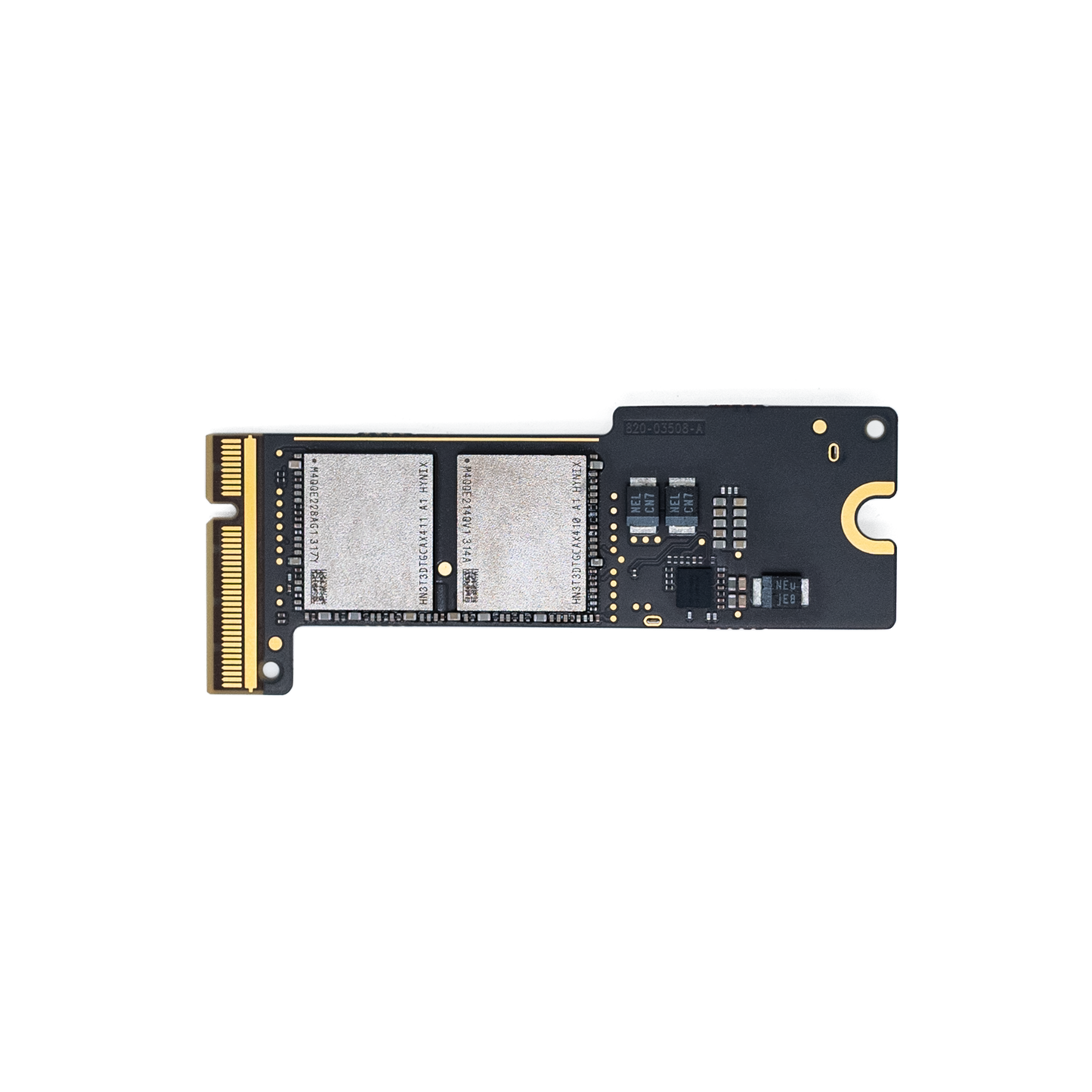
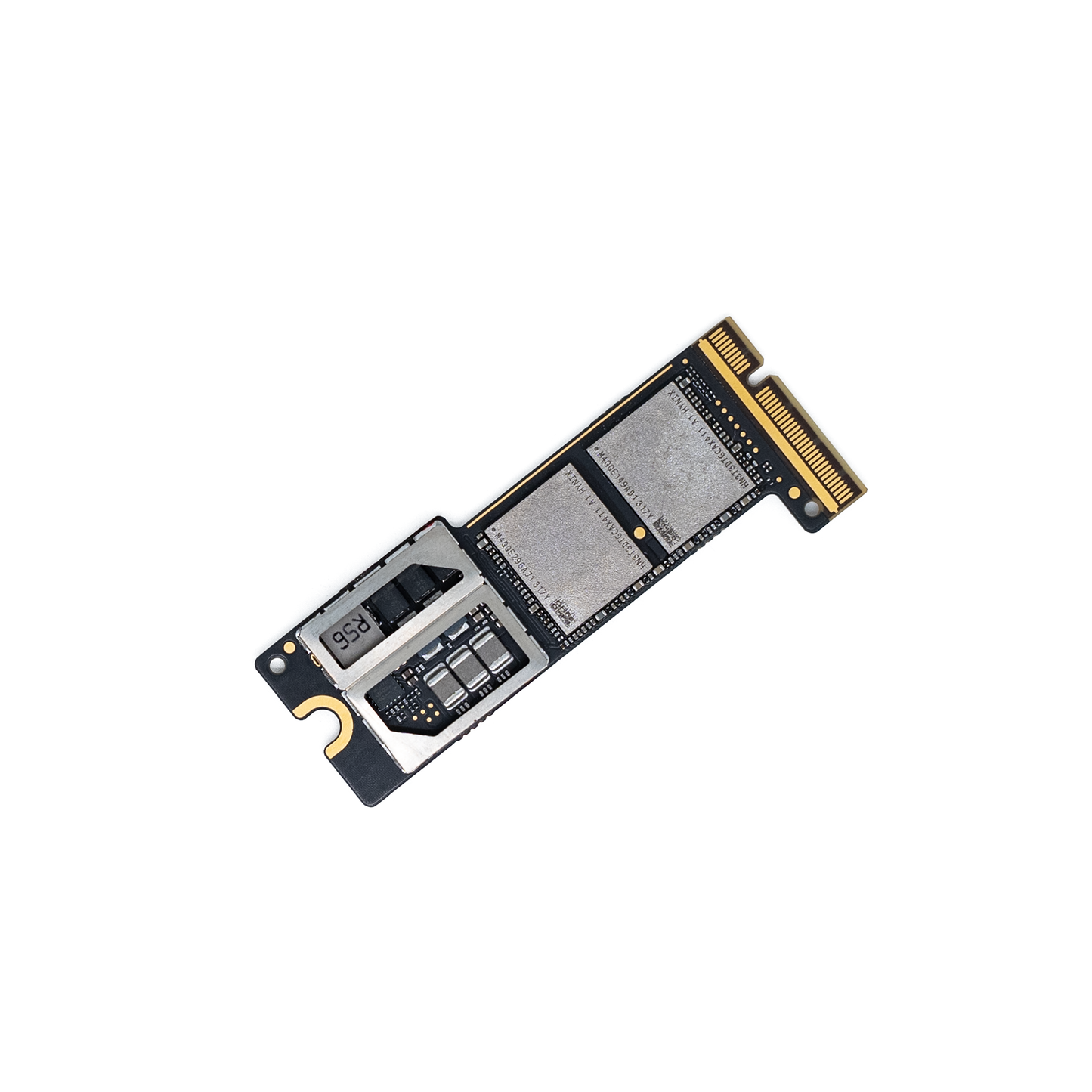
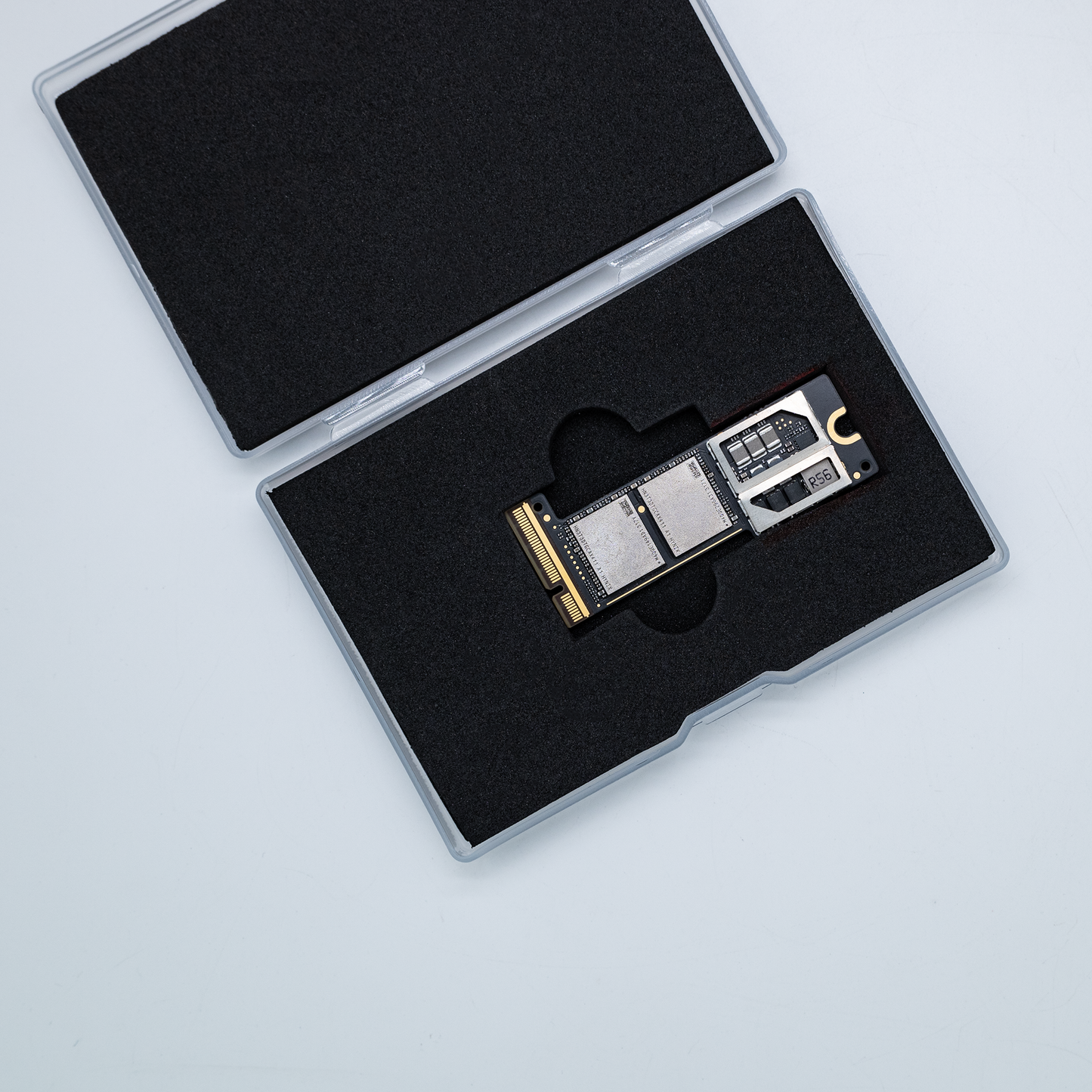
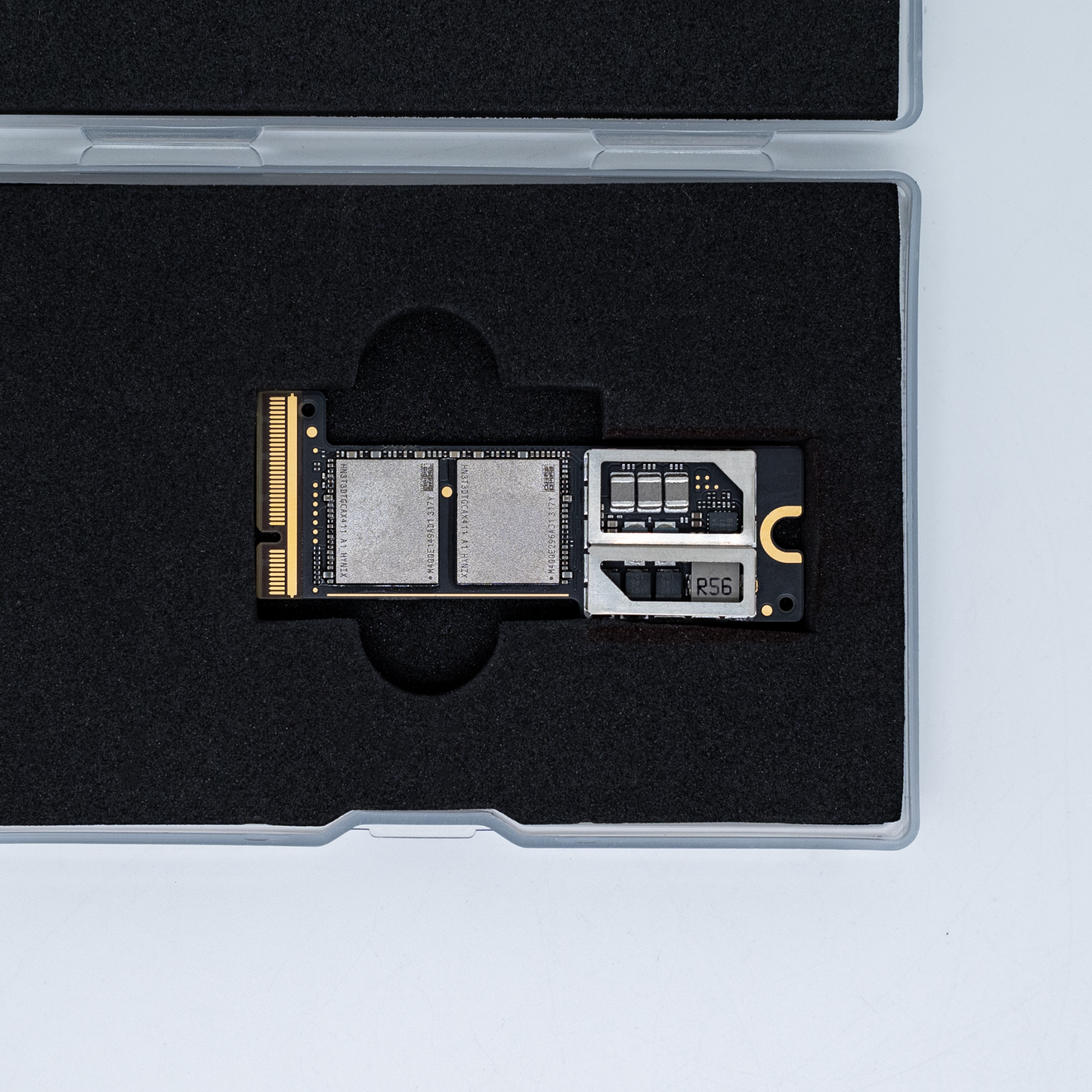
Works great. Every tool needed was included. Easy job.
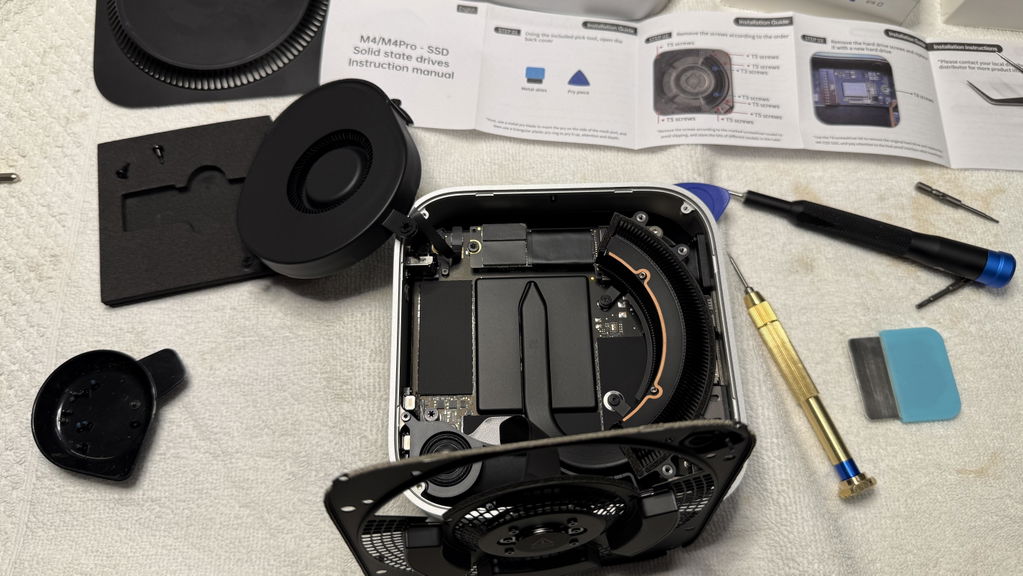
Great product, work as expected. installation part was very smooth. all required tools provided in package. make sure when you order add DFU kit in basket, it will be free of cost with SSD order. i tested with vmware based restore as well as using MacOS VM installed on proxmox. Highly recommend. The warranty is only for 1 year, hope it will work more than that.
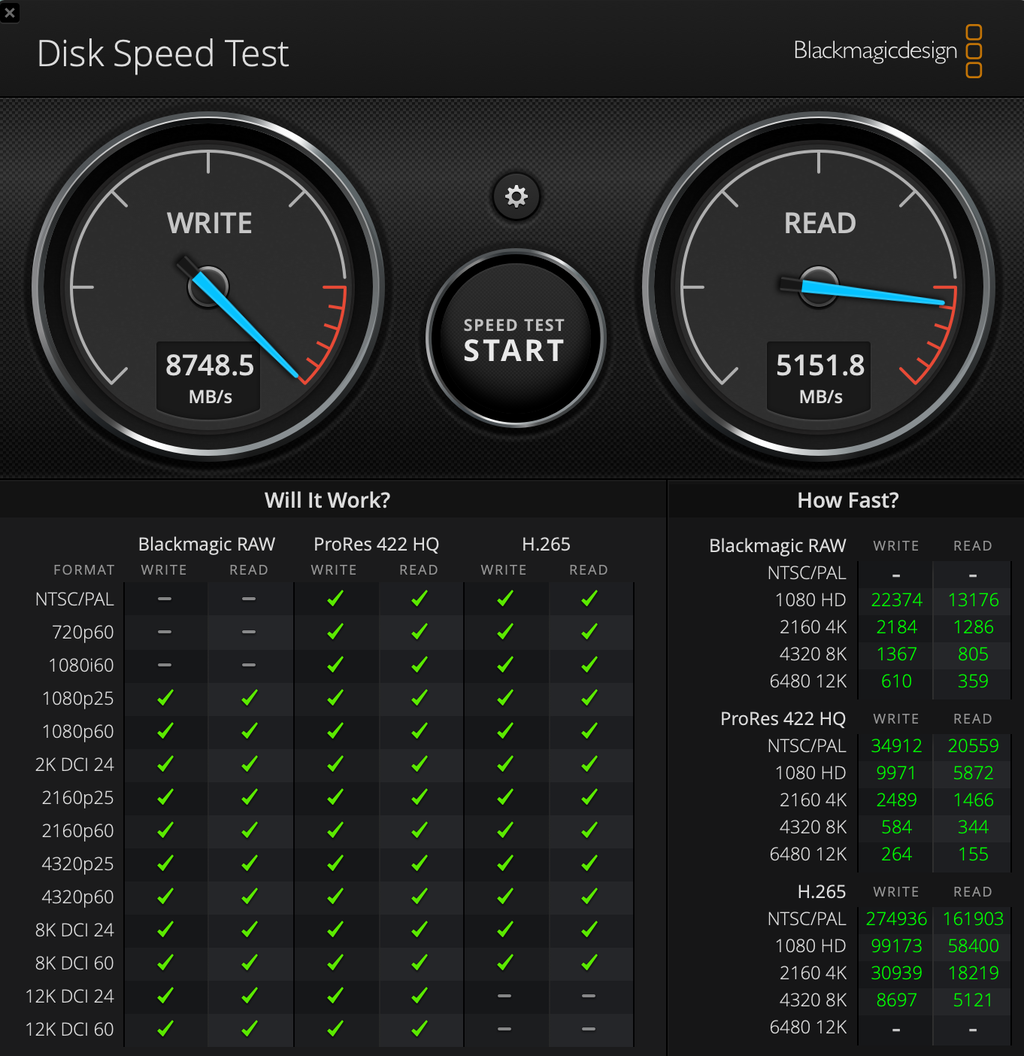
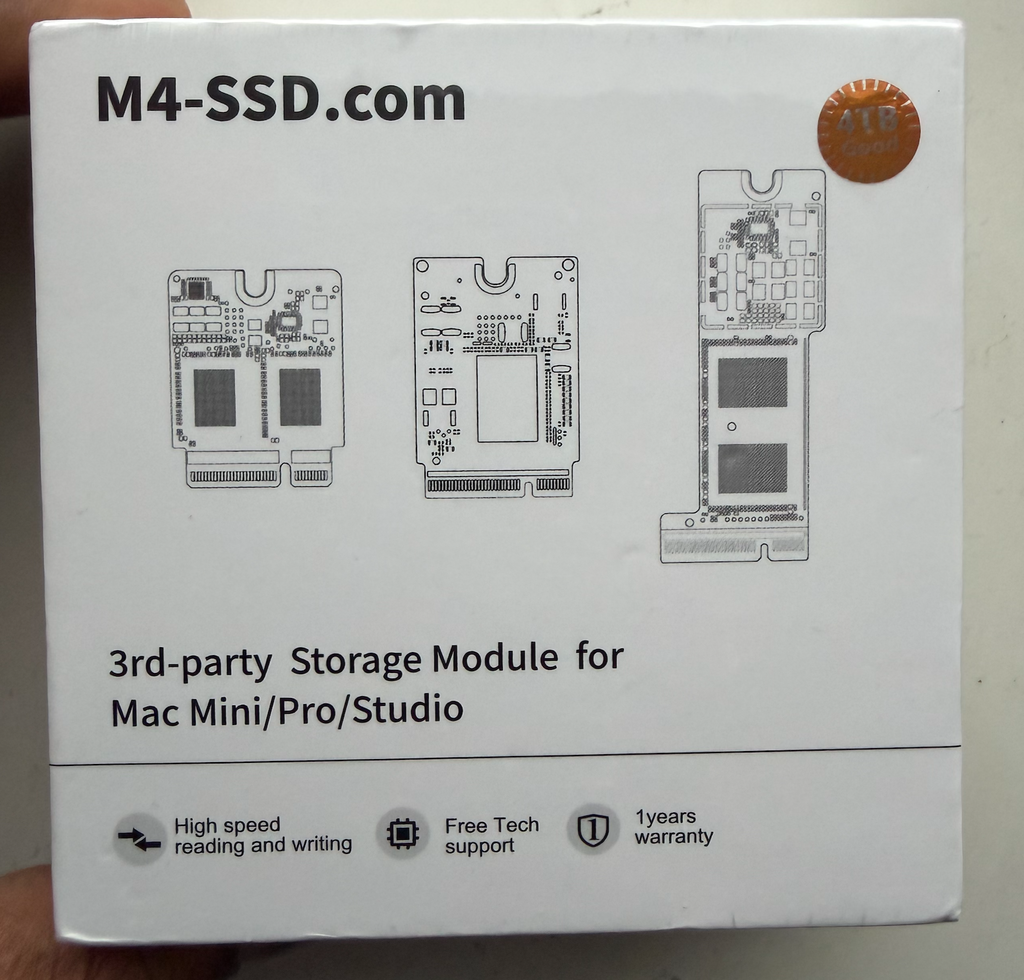
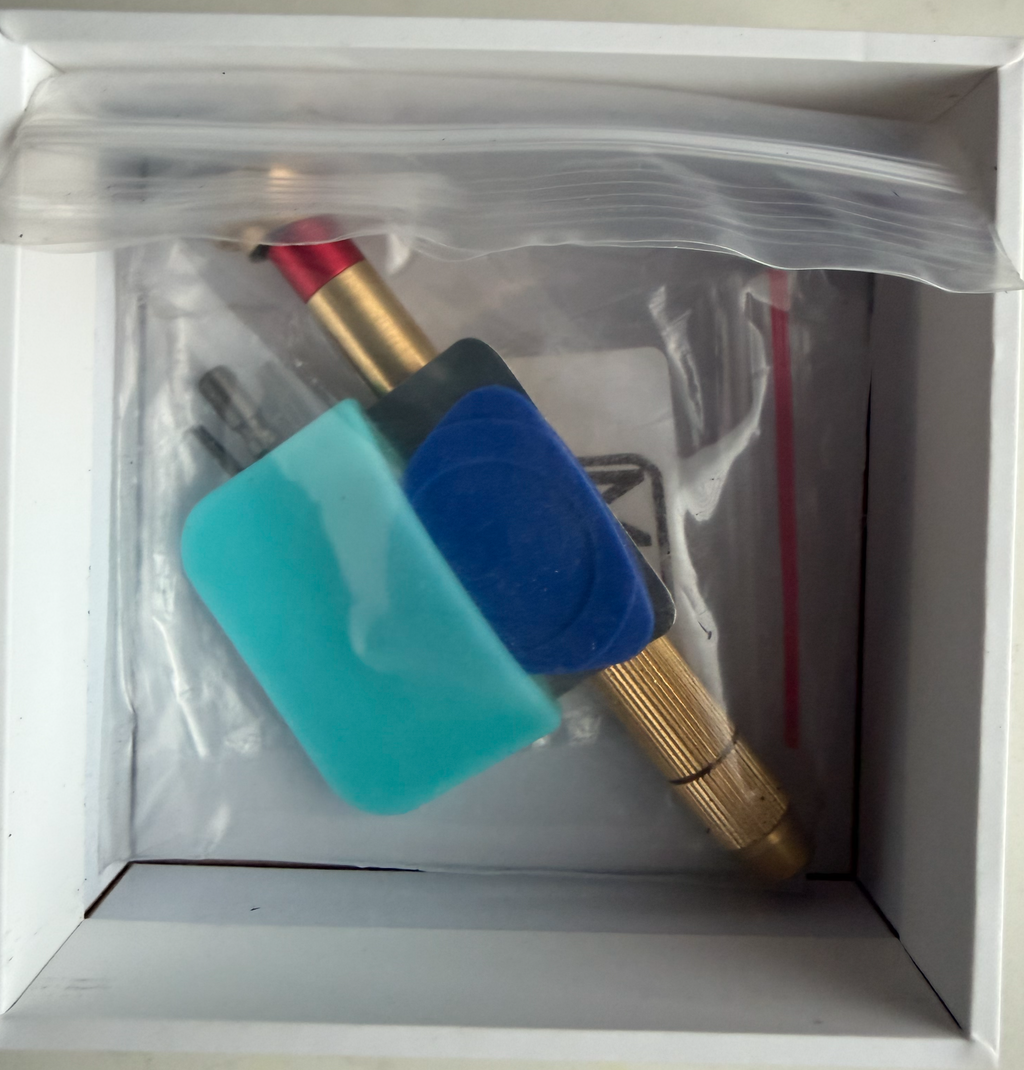
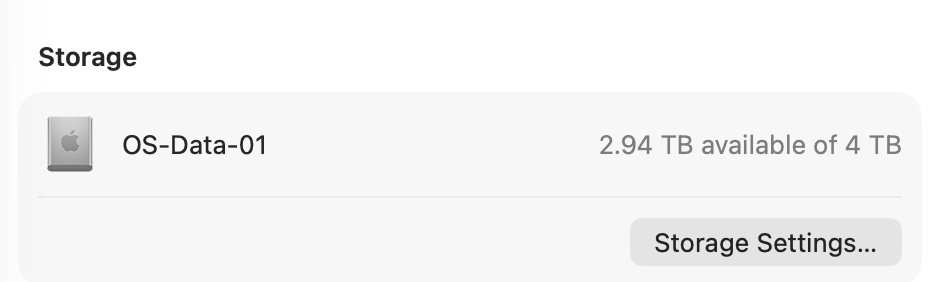
Module 4 T for M4 pro, received on time and matches the description perfectly. Installation took half an hour, just a little fiddling around to restore the MAC, I had to download the firmware manually and then do the restore.
The SSD works flawlessly and the Mac recognizes it as the original.
NB: Nice surprise in the box, it contained everything needed to open the Mac and remove what was necessary.
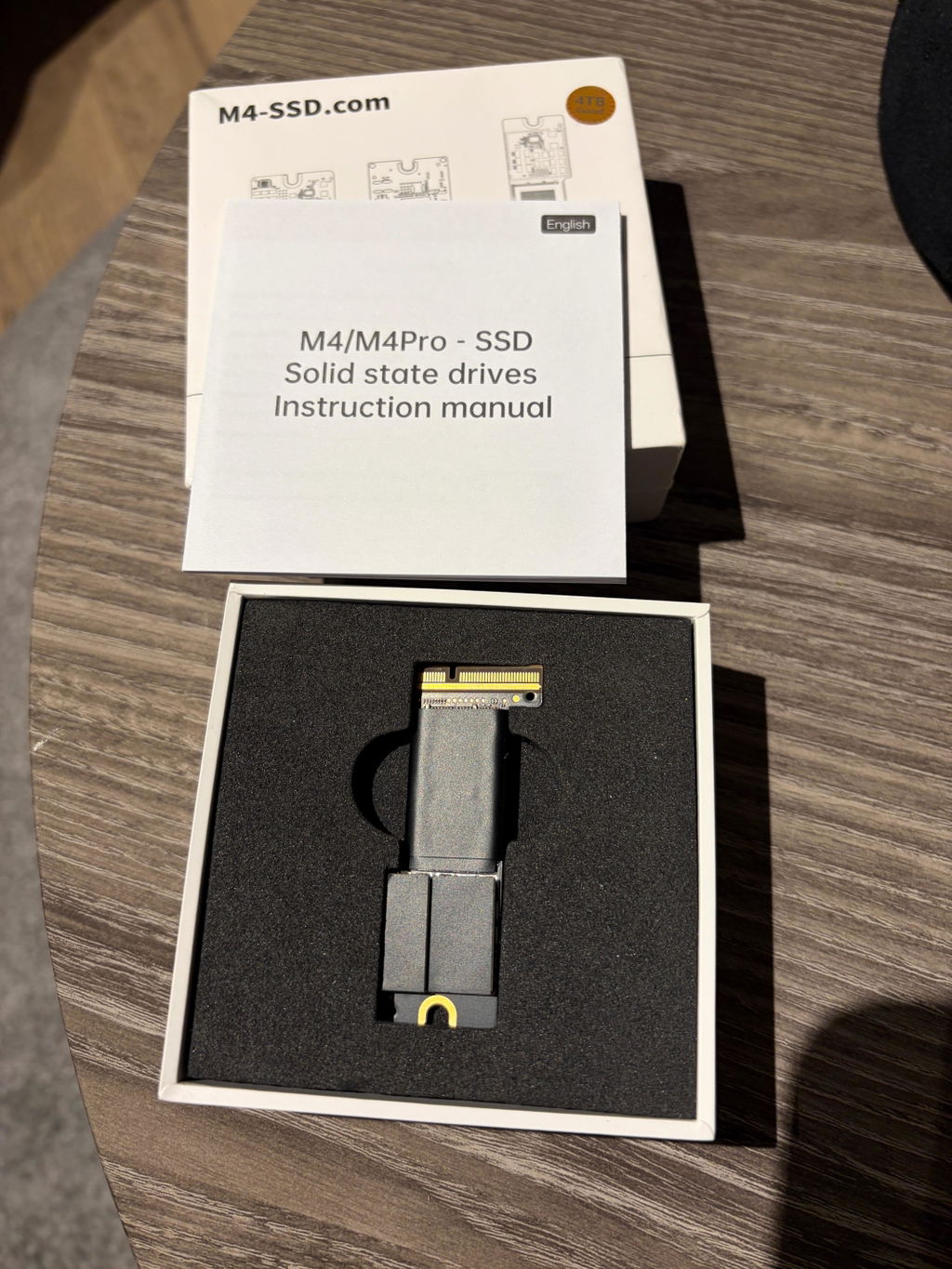
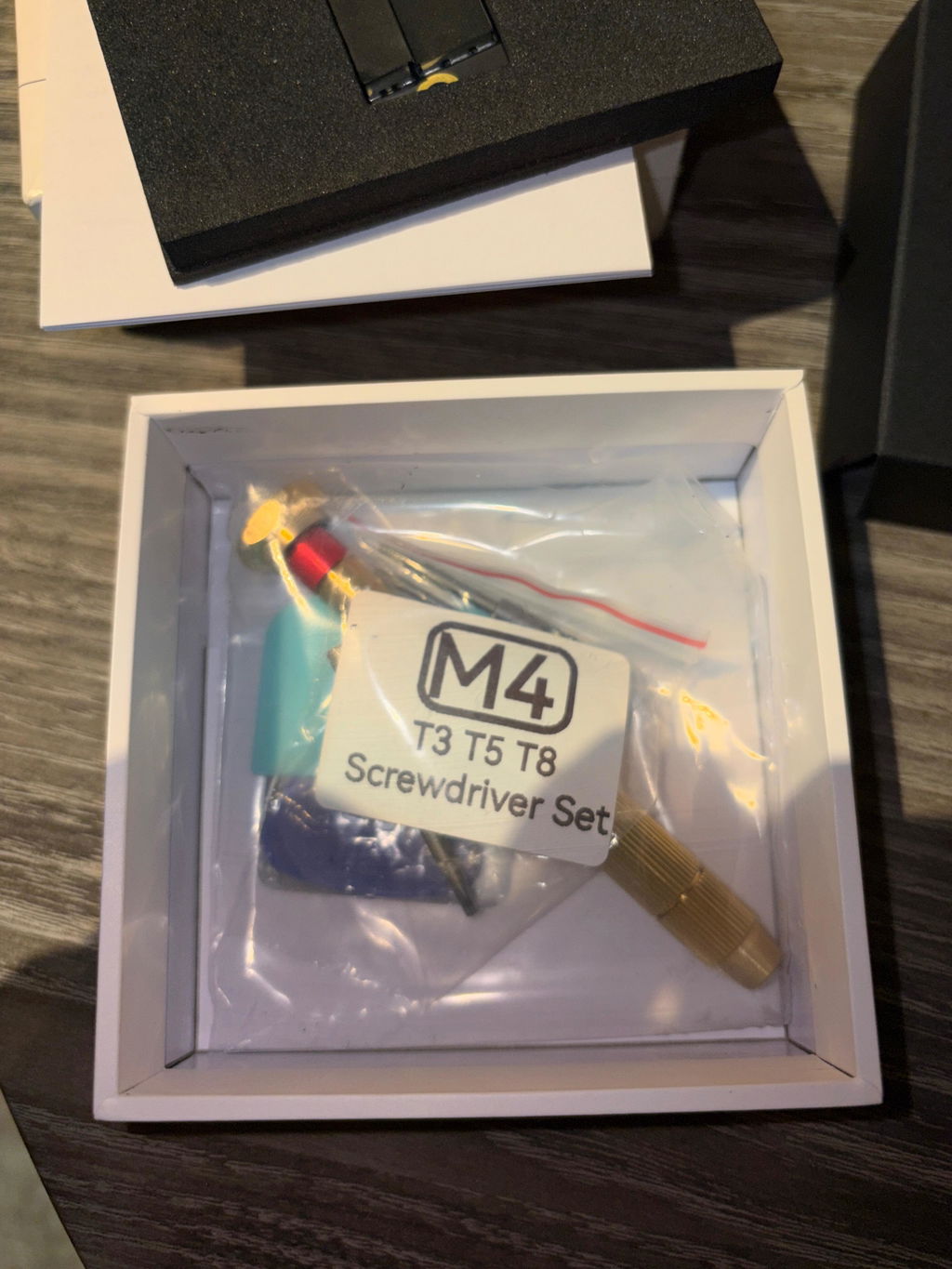
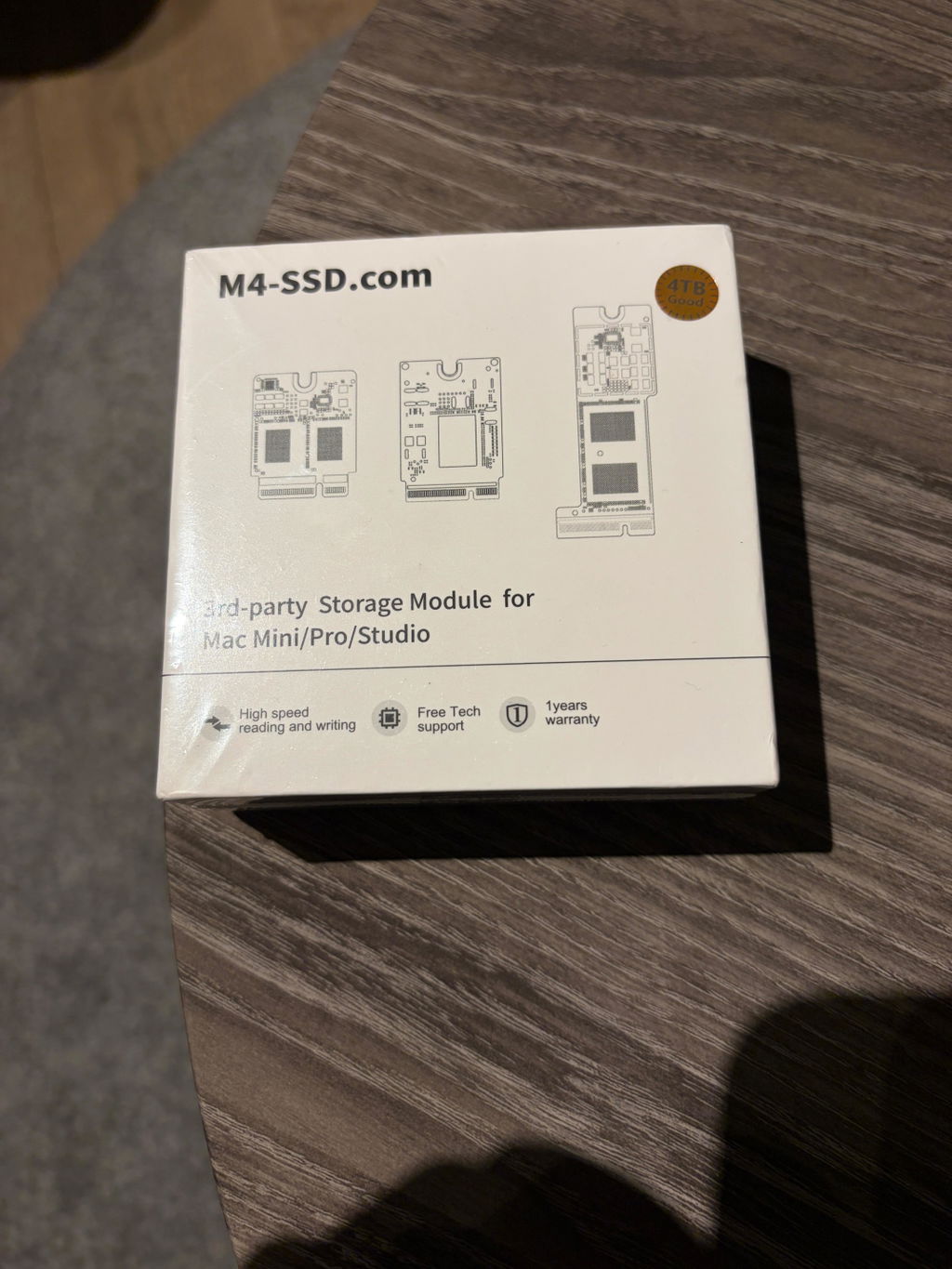
+ Fast delivery within 7 days
+ SSD easy to install & Time Machine backup also fast
+ SSD significantly faster than original Apple SSD 1TB
+ even more energy-efficient than my old setup internal Apple 1TB + external Samsung T7 4TB
Why only 4 stars?
-1 year warranty compared to the 5 years standard for SSDs on the market
We'll see how long the SSD lasts.
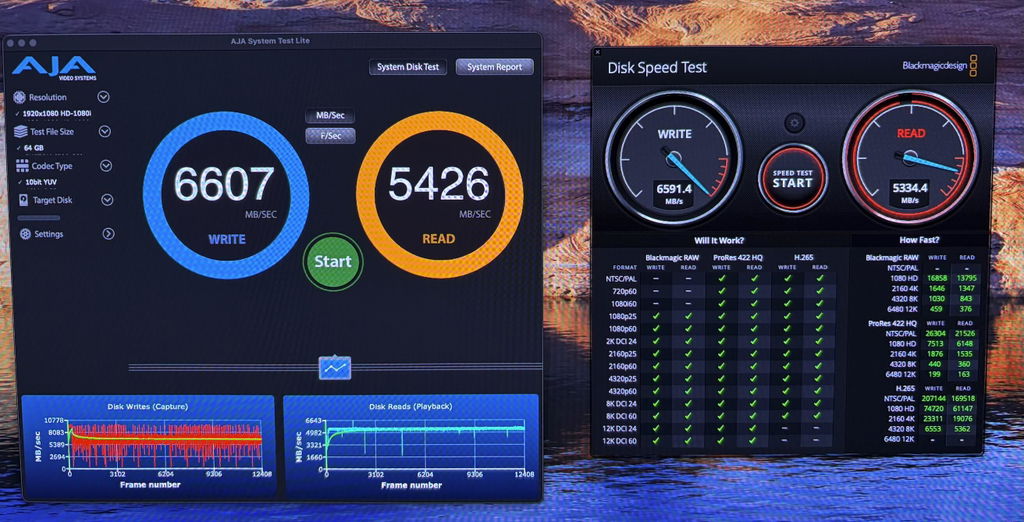
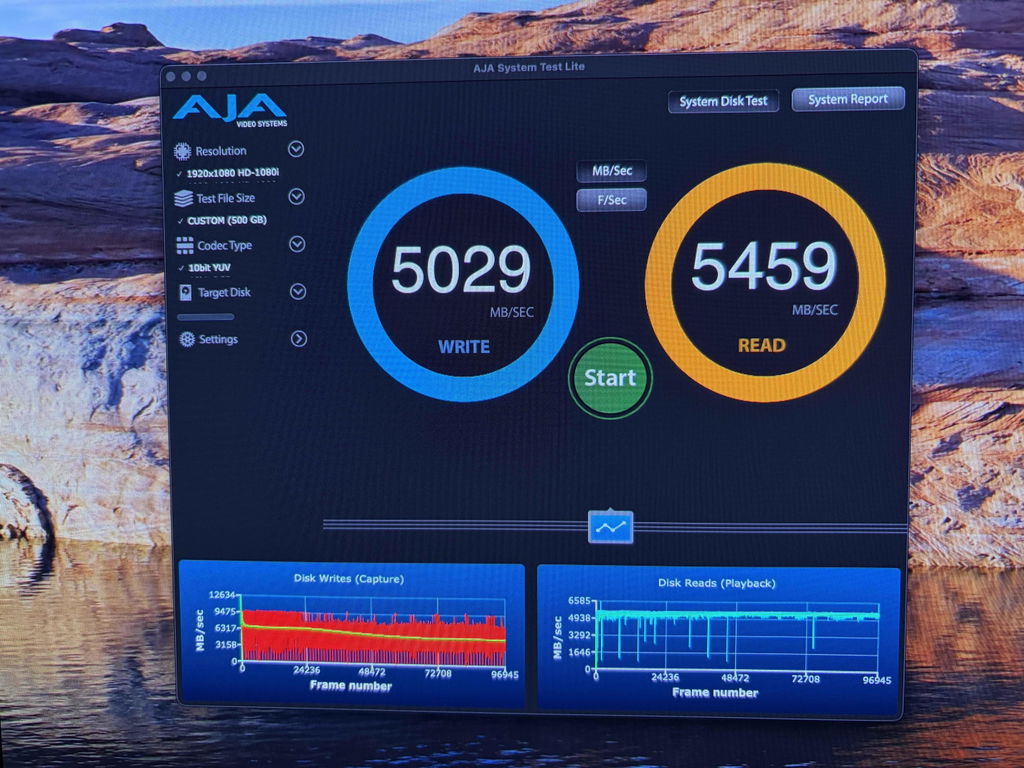
届くの時間かかりましたが、1週間程使っていますが問題なかったです。
ドライバーの一番細い奴は付属してますがゴミでしたのでご自身でご用意ください。
又ギターのピックみたいな開ける奴も使い物になりませんでしたのでアーミーナイフで蓋をあけ開けました。
手元に純正品残って、安価(円安ですが)に購入できたので良かったです。
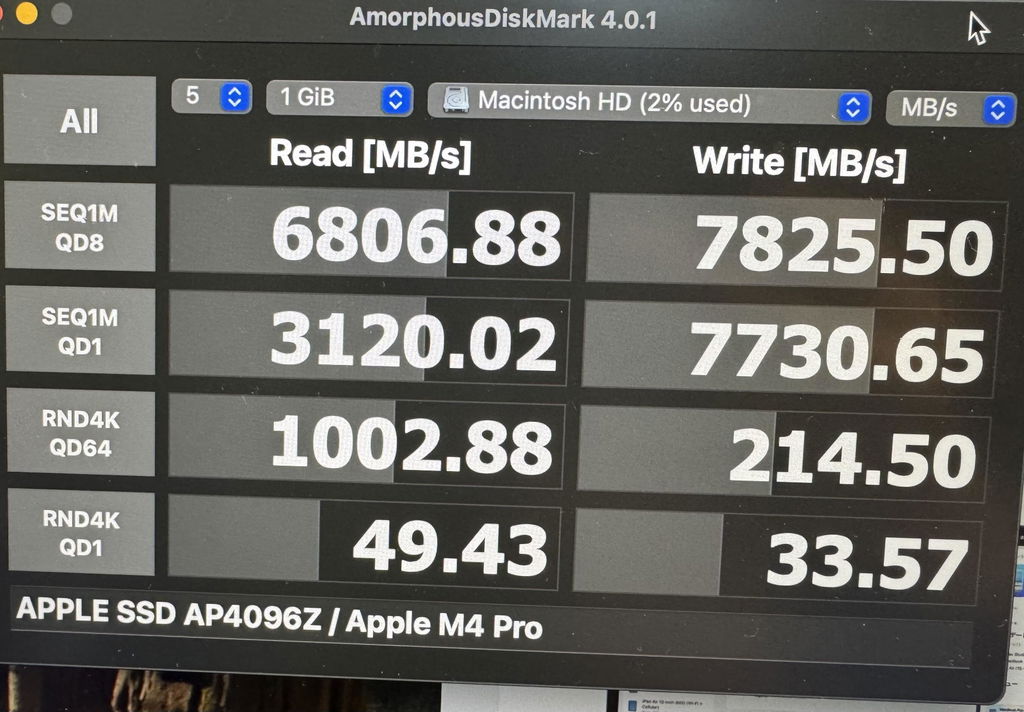
装着直後は下記の数値でした
Read [MB/s] 6806.88
Write [MB/s] 7825.50
このたびは ★★★★☆ のご評価と、たいへん詳しい日本語レビューをお寄せいただきありがとうございます。
配送にお時間を要した点、ご不便をおかけし申し訳ございません。次回ロットからは Fast Express 便(平均 5〜7 日到着)を標準にし、より早くお届けできるよう改善いたします。
付属ドライバー/オープニングツールの品質 についてのご指摘も重く受け止めました。新世代キットでは、精度の高い 1.2 mm トルクスドライバーと、より硬質なオープニングピックへ変更済みです。
ベンチマーク画像まで共有いただき、実装後に Read 6.8 GB/s / Write 7.8 GB/s が出ていることを確認でき安心しました。万一、今後速度低下や動作不良を感じられた際は、いつでも support@m4boosthub.com までご連絡ください。無料で検査・交換を承ります。
今後とも M4 Boost Hub をよろしくお願いいたします。
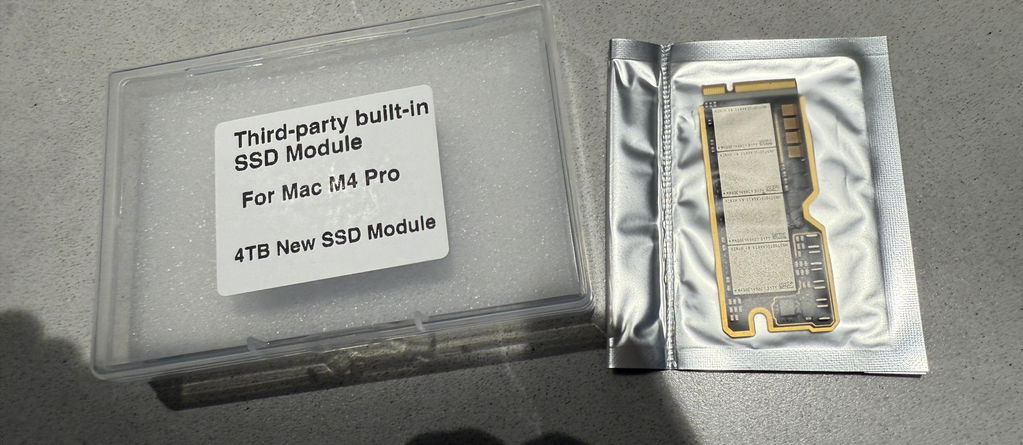
The SSD Workshop great and very fast (8540Mbs wirte and 7560Mbs read) i am very happy
Hi Marco,
Awesome results—8,540 MB/s write and 7,560 MB/s read is exactly what we love to see! Thank you for sharing your speeds and the photo. We’re thrilled the upgrade is performing so well and that you’re happy with the Mac Mini M4 Pro storage boost. If you ever need assistance or have questions down the line, just let us know.
Enjoy the extra performance!
Dead after 5 Month of use. Unfortunately my Mac mini M4 Pro does not work any longer, it will only show an amber flashing LED. Switching back to original Apple Module brings everything back to normal. Customer Support does not respond to my eMail queries. Poor performance.
Great product. Works perfectly well.
Installation was a breeze and the startup process went smoothly, I wished I could have afforded the larger unit, but it running great and cool, which was a major concern. I am now exploring the range of software it can handle and so far, Great!! Well Worth the investment, Shame on Apple!!
Very good!
Great working flawlessly
The actual installation went smooth and offered no problems whatsoever. Performance of this new drive is much better than the original 512GB Drive.
Glad I came across this offer. Thank you very much.
If you want to upgrade your M4 Pro this is what you’re looking for. Makes no sense to spent a fortune on oem ssd. Totally recommend
Es war sehr schnell und funktioniert einwandfrei. Habe schon die 2. bestellt. Bin sehr 😀.
Good delivery, the memory works fine. The attached instruction though was a little poor. A hint to an onlinevideo instruction would have been more helpful
Well worth the international shipping wait!
Great value and speed compared to the Apple supplied SSD.
Only had it in my Mac mini for a few days and it’s already changed my workflow completely. Haven’t had any issues yet, although the supplied screwdriver isn’t magnetic- something I’d recommend that the supplier provides instead of the non-magnetic one.
Arrived within 7- 10 days. Was able to install without any issues or errors! Hope it will last!
It was as easy as expected to exchange the 512GB to 4TB. Additional the Data transfer rate increased significantly. Thank you. No need the VM to recover, a additional MacBook is enough to detect the mini and recover him.
Works great in my M4 Pro Mini!
Works like great. The international delivery was on time, and the quality of the packaging and the set of necessary tools are also very convenient.
I bought the 4TB version and I am completely satisfied with it. The original SSD in the Mac Mini M4 Pro, with its 512 MB, was much too small for the musical use I have for my Mac Mini M4 Pro. Installation is super simple. You just have to be careful not to break the three thin cables. And you need an M series Mac to reinstall MacOS on the new SSD. The transfer speeds are great. I hope the new SSD will be reliable over time.
I can’t wait to get another one compatible with my M2 Studio M2 Studio Max.
Quick delivery, works as expected
I’m delighted with my 4TB SSD for my new Mac mini M4-Pro! It was packed well, included the tools needed to open up my Mac mini, and it worked perfectly. And OMFG is it fast! All for a third of Apple’s price. Win-win.
The kit for opening the Mac Mini Pro is excellent, and the installation is straightforward. However, for the price, the SSD should include a thermal pad. Without it, the SSD runs quite hot (on my testing, 85-100 C) than when I added my own thermal pads (max 74 C).
Fragen und Antworten:
F: Wenn ich Apple Configurator ausführe, um meinen Mac mini wiederherzustellen, nachdem ich M4 Boost Hub SSD, ich erhalte „Fehler 21“. Wie kann ich das beheben?
Kurze Antwort: „Fehler 21“ bedeutet fast immer, dass die USB-C-Datenverbindung zu Beginn von DFU unterbrochen wurde.
Beheben Sie das Problem in fünf schnellen Schritten ⬇︎
-
Tauschen Sie das Kabel – verwenden Sie ein passiv USB-C (≤ 1 m).
✓ Apple 0,8 m USB-C Lade-/Datenkabel
✓ Jedes MFi-zertifizierte passive 10-Gbit/s-Kabel
✗ Vermeiden Sie aktive Thunderbolt 3/4-Kabel, Hubs und Docks - Direktanschluss und stabile Stromversorgung – Schließen Sie den wiederhergestellten Mac direkt an den DFU-Anschluss des Mac mini an und belassen Sie beide Macs an ihren Original-Netzteilen.
- Verwenden Sie kabelgebundenes Ethernet auf dem Wiederherstellungs-Mac während des IPSW-Downloads (Cat-6 oder besser).
-
Führen Sie eine neue „Wiederherstellung“ durch. im Apple Configurator (neueste Version, korrektes IPSW).
Die Wiederherstellung dauert normalerweise 15–25 Minuten. - Wird immer noch ein Fehler angezeigt? Notieren Sie sich den Code + Zeitstempel und senden Sie uns eine E-Mail (support@m4boosthub.com). Wir helfen Ihnen weiter oder arrangieren einen Ersatz/eine Rückerstattung.
Tipp: Stellen Sie sicher, dass die SSD vollständig sitzt. Ein loses Modul kann ebenfalls den Fehler 21 auslösen.
F: Apple Configurator bricht mit der Meldung „Unbekannter Fehler (2006)“ ab. Was bedeutet das und wie kann ich es beheben?
A: Fehler 2006 tritt auf, wenn die Firmware des Mac mini beim ersten Handshake keine funktionierende SSD/NAND erkennt. Es liegt fast immer an einem Kontaktproblem oder einem defekten Laufwerk. Versuchen Sie Folgendes:
-
Setzen Sie das Modul erneut ein und reinigen Sie es
• Ausschalten, SSD entfernen.
• Wischen Sie die Goldkontakte mit 99 % Isopropylalkohol ab.
• Schieben Sie es vollständig hinein – keine Goldkante sichtbar – und ziehen Sie die Schraube handfest an. -
Führen Sie DFU Restore mit einem „bekanntermaßen funktionierenden“ Setup aus
• Neuester Apple Configurator + frisch heruntergeladenes IPSW.
• Kurz (≤ 1 m) passiv USB-C-Kabel direkt zwischen den Macs (keine Hubs/Docks).
• Wählen Wiederherstellen, nicht Belebenund warten Sie 15–25 Minuten. -
Gegenprobe mit der Apple SSD
• Wenn das Original-Apple-Laufwerk ordnungsgemäß wiederhergestellt werden kann, unseres jedoch ausfällt, ist das Modul defekt → kontaktieren Sie uns für einen kostenlosen Ersatz.
Immer noch festgefahren? E-Mail support@m4boosthub.com mit dem Fehlercode und wir arrangieren eine im Voraus bezahlte Abholung und einen Ersatz oder eine volle Rückerstattung – Sie haben die Wahl.
F: Während des DFU-Vorgangs bewegt sich der Fortschrittsbalken einige Minuten lang, dann erscheint die Meldung „Unbekannter Fehler (4041)“. Was ist hier los?
A: Fehler 4041 bedeutet, dass die Wiederherstellung beim Schreiben oder Überprüfen des Firmware-Images fehlgeschlagen ist. In 90 % der Fälle liegt ein Problem mit der Verkabelung oder der IPSW-Integrität vor; selten ist die SSD selbst defekt.
- Wechseln Sie zu einem zertifizierten Kabel – Verwenden Sie das 0,8 m lange USB-C-Lade-/Datenkabel von Apple oder ein passives 10-Gbit/s-USB-C-Kabel ≤ 1 m. Vermeiden Sie „aktive“ Thunderbolt-Kabel und Hubs/Docks.
- Laden Sie die IPSW erneut herunter – Eine teilweise heruntergeladene Datei kann in der Phase „Mac für Wiederherstellung vorbereiten“ 4041 auslösen.
- Stabile Stromversorgung und Ethernet – Behalten Sie beide Macs mit ihren Originaladaptern und verbinden Sie den Host-Mac über ein kabelgebundenes LAN, um WLAN-Ausfälle zu vermeiden.
- Überprüfen Sie den SSD-Sitz – Setzen Sie die Platine erneut ein und stellen Sie sicher, dass die Schraube fest sitzt. Schon ein Spiel von 0,3 mm kann den Schreibzyklus unterbrechen.
- Test mit der Werks-SSD – Wenn das Apple-Laufwerk erfolgreich wiederhergestellt wird, unseres aber erneut ausfällt, ist das Modul möglicherweise defekt → kontaktieren Sie uns für einen kostenlosen Austausch.
Wenn der Fehler durch keine der oben genannten Maßnahmen behoben wird, senden Sie eine E-Mail support@m4boosthub.com. Wir versenden innerhalb von 24 Stunden eine Ersatz-SSD und stellen ein vorausbezahltes Rücksendeetikett für das aktuelle Gerät zur Verfügung.
Wann wird voraussichtlich eine 8-TB-Version auf Lager sein?
Kurze Antwort: Ein 8-TB-Modell ist noch nicht auf der Roadmap.
Warum (vorerst) nicht?
- Komponentenkosten – Die Preise für hochdichtes NAND sind immer noch volatil.
- Thermische Hülle – Größere Kapazitäten verbrauchen mehr Strom, daher benötigen wir eine zusätzliche Validierung, um innerhalb der Grenzen des Mac mini zu bleiben.
- Reale Nachfrage – weniger als 3 % der Kundenanfragen erfordern derzeit mehr als 4 TB.
Wie geht es weiter?
- Wir überprüfen die Marktnachfrage jedes Quartal.
- Wenn eine 8-TB-Option realisierbar wird, geben wir dies wie folgt bekannt:
• unser E-Mail-Newsletter
• das Kapazitätsmenü der Produktseite
• Judge.me-Benachrichtigungen bei Wiederverfügbarkeit
Möchten Sie aus erster Hand informiert werden? Tragen Sie sich in die Warteliste ein oder schreiben Sie uns eine E-Mail an support@m4boosthub.com – wir halten Sie auf dem Laufenden!