
Precise and clear instructions. It worked on the first try.
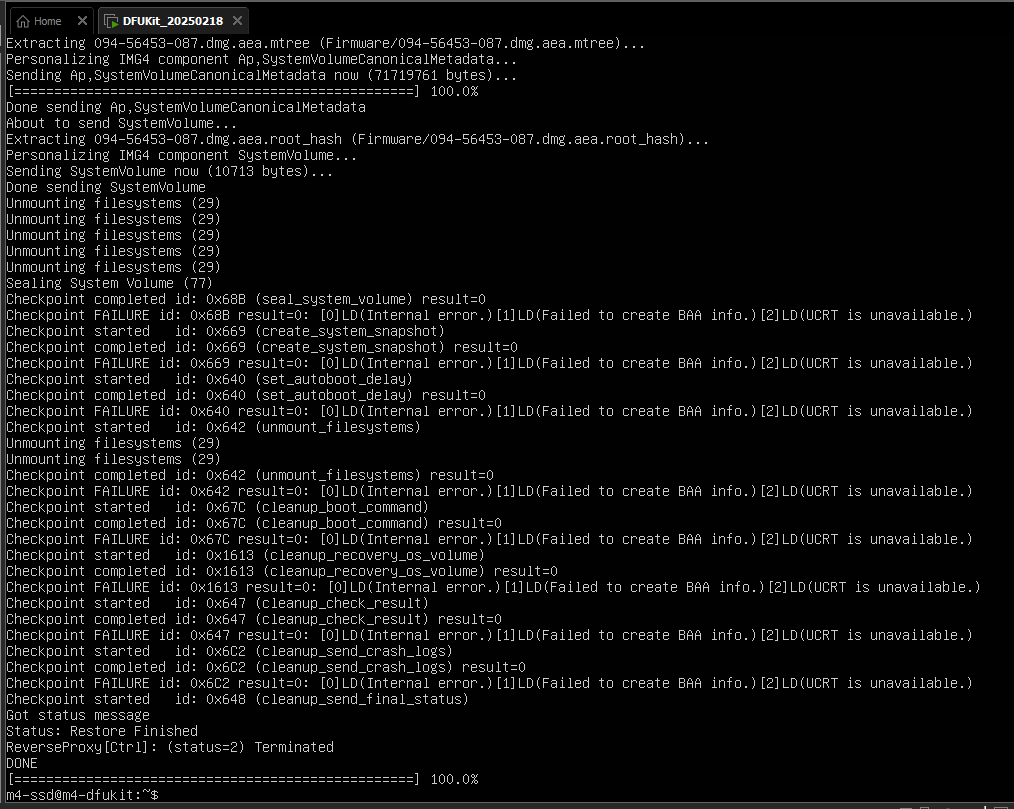
I tried installing a 1 TB third-party SSD in my M4 Mac mini, but flashing via Apple Configurator in DFU mode fails systematically with error 4042, even after Apple Store attempts. Here’s a clear summary of the situation for YouTube tutorial creators.
Detailed Situation
M4 Mac mini (purchased late 2025) + 1 TB NVMe SSD (model sold as M4 compatible).
Procedure followed:
1. SSD installed, screws tightened
2. MacBook Pro 2018 (Sequoia 15.6+ + Configurator 2.18+) + T5/Apple TB3 cables
3. Correct DFU (orange LED, icon detected)
4. Official Dec 2025 IPSW drag & drop → Step 3/4 (decompression) → ERROR 4042
Tests performed (20+ attempts):
• Multiple cables (T5 pro, Apple TB3), TB/USB-C ports changed
• IPSW re-downloaded (hash verified), Revive before Restore
• Stable Ethernet, Pro SE up to date, 50 GB free
• Apple Store: 2 DFU failures, same 4042 error
Their diagnosis: “SSD not recognized as Apple product, installation blocked”.
Hypothesis: Secure Enclave Lockout?
M4 firmware seems to refuse initializing internal storage whose NAND controller/ID doesn’t exactly match Apple specs. 4041/4042 errors on M4 + third-party SSDs have multiplied in forums since mid-2025.
Hi Patpo — sorry to hear about the DFU restore failure, and thank you for the very detailed write-up.
One quick note: your review is currently posted under our “M4-SSD DFUKit” (a Windows/VMware toolkit). In your steps you’re restoring via Apple Configurator on a Mac, so it looks like the DFUKit may not have been involved.
For error 4042, one high-impact item is the cable: Apple’s DFU restore procedure requires a standard USB-C data+charge cable and specifically warns not to use a Thunderbolt 3 cable. Please try an Apple USB-C charge cable connected directly (no hub/dock) and disconnect all other USB devices on both Macs.
If you still have the original Apple SSD, a good isolation test is: restore successfully with the original SSD first. If it only fails with the third-party module installed, that strongly points to SSD compatibility (controller/firmware) rather than the DFU process itself.
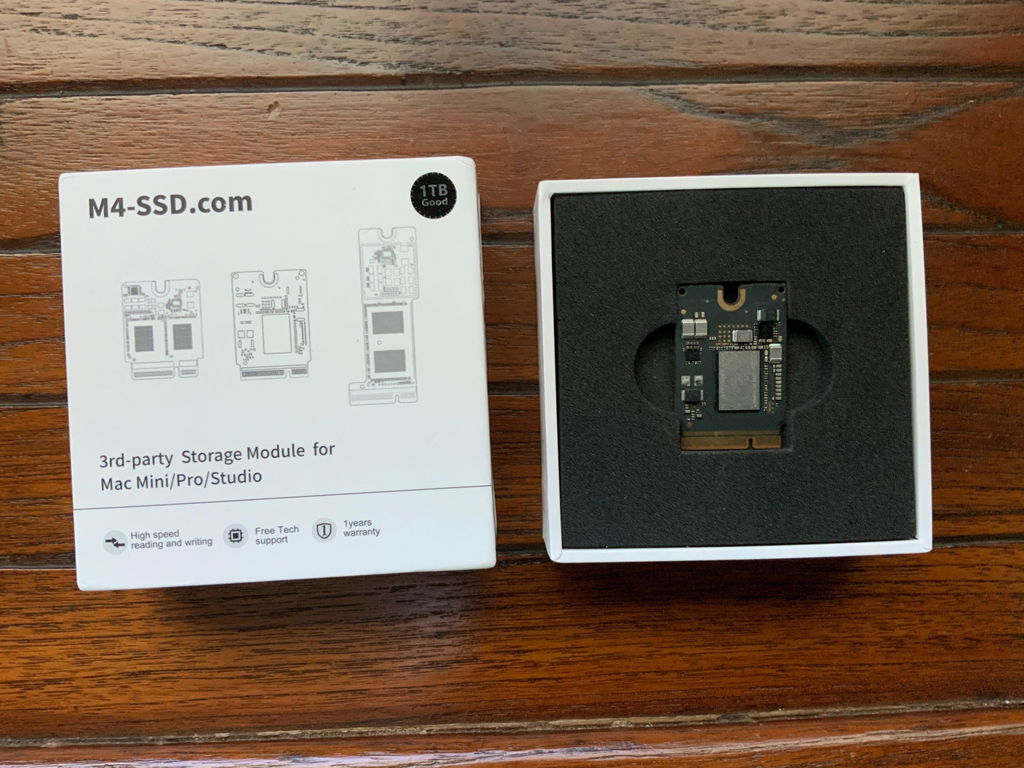
We also couldn’t locate an order under this name. If you purchased from M4BoostHub, please email us your order number and a photo of the SSD module, and we’ll help you troubleshoot and make it right.
Product works as advertised. Simple installation in M4 Mac Mini. Unfortunately my other MacBooks were too old to execute Apple DFU, so I took it to a local Apple Store and they formatted the new 2TB for me at no cost and no questions. 😃
Quick shipping, smooth installation, works brilliantly.
The chip worked perfectly!! Just as advertised.
Additionally they had excellent customer service. I had some issues with the first one they sent me. Tech-support responded promptly to my request. Once we couldn’t troubleshoot via email they sent me a new chip right away. The new chip worked immediately. Very happy!
It's quite difficult to use but really useful when you don't have another Mac to install the OS on.
I don't regret my purchase,
and support is guaranteed when you encounter difficulties.
This program does not work on my computer (Apple Mac mini M4). It won't download, so I have not been able to use it.
Hi Keith — thanks for the feedback. The M4-SSD DFUKit is not a Mac app and won’t run on the Mac mini M4 directly. It must be downloaded and used on a Windows PC via VMware, then used to DFU/restore the Mac mini. We’ve re-sent your download email and with a direct download link.
After several tries, was able to perform DFU on target device. Thanks!
Love it
It works great, the only issue is that you need another Mac or the DFU kit. I needed the kit as lam a new Mac user. The instructions for the kit are a bit incomplete, I have some experience with Linux so was able to get thru it. If you don’t have that knowledge, I suggest borrowing a Mac. But the bottom line is that it works well and is a lot less expensive than paying Apple for the storage.
I found and successfully applied the coupon to get it for free with my Memory upgrade Kit purchase. Despite receiving a delivery confirmation, there was no link available to download it.
No really an issue in the end; I was able to make one by myself with the various tutorials available... but to non savvy users, I cannot recommend.